The total of your wishes
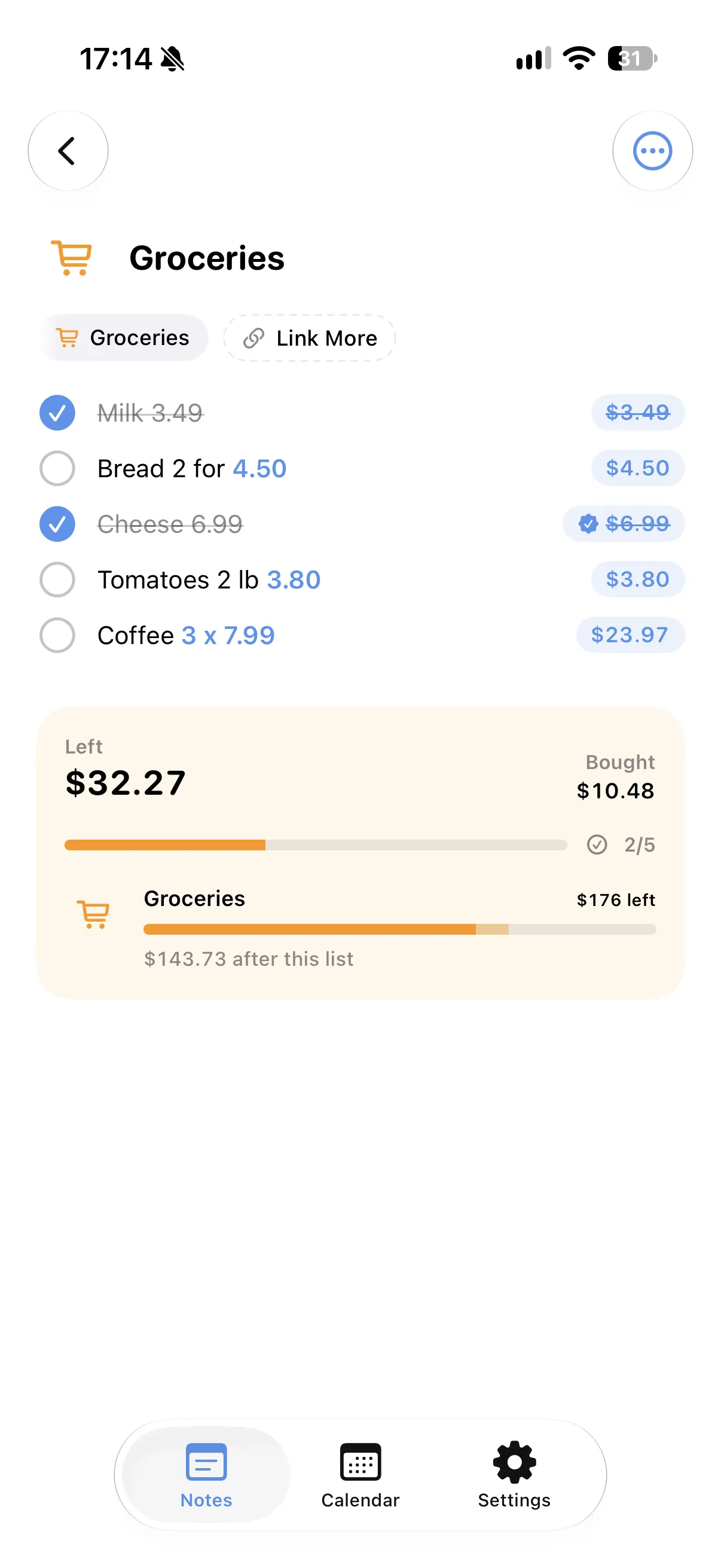
Every price on the list is added up, so you know what everything together would cost.
A budget for the list
Give the note a budget and see what is left as you add or remove things.
Tick what you bought
Ticked items move to the bought total and the rest stays in view.
Save for it in Spendry
Link the list to a savings goal in Spendry and see how close you are.
How to keep a wishlist with prices
- Start a list in Spendry Notes.
- Write each wish with its price.
- Set a budget for the list if you have one.
- Link the list to a savings goal in Spendry.
Why a wishlist with prices helps
- You see the real total before you buy.
- Discounts are worked out when you write them.
- A savings goal turns wishes into a plan.
- All Spendry Notes features are free.
Questions
Can I keep a wishlist with prices on iPhone?
Yes. In Spendry Notes, write each wish with its price and the list shows the total and what is left of your budget.
Can I save for the things on my list?
Yes. Link the list to a savings goal in Spendry.
Is it free?
Yes. All Spendry Notes features are free.
More from Spendry Notes
- Spendry Notes
- Grocery list app
- Shopping list with prices
- Notes app with calculator
- Split the bill
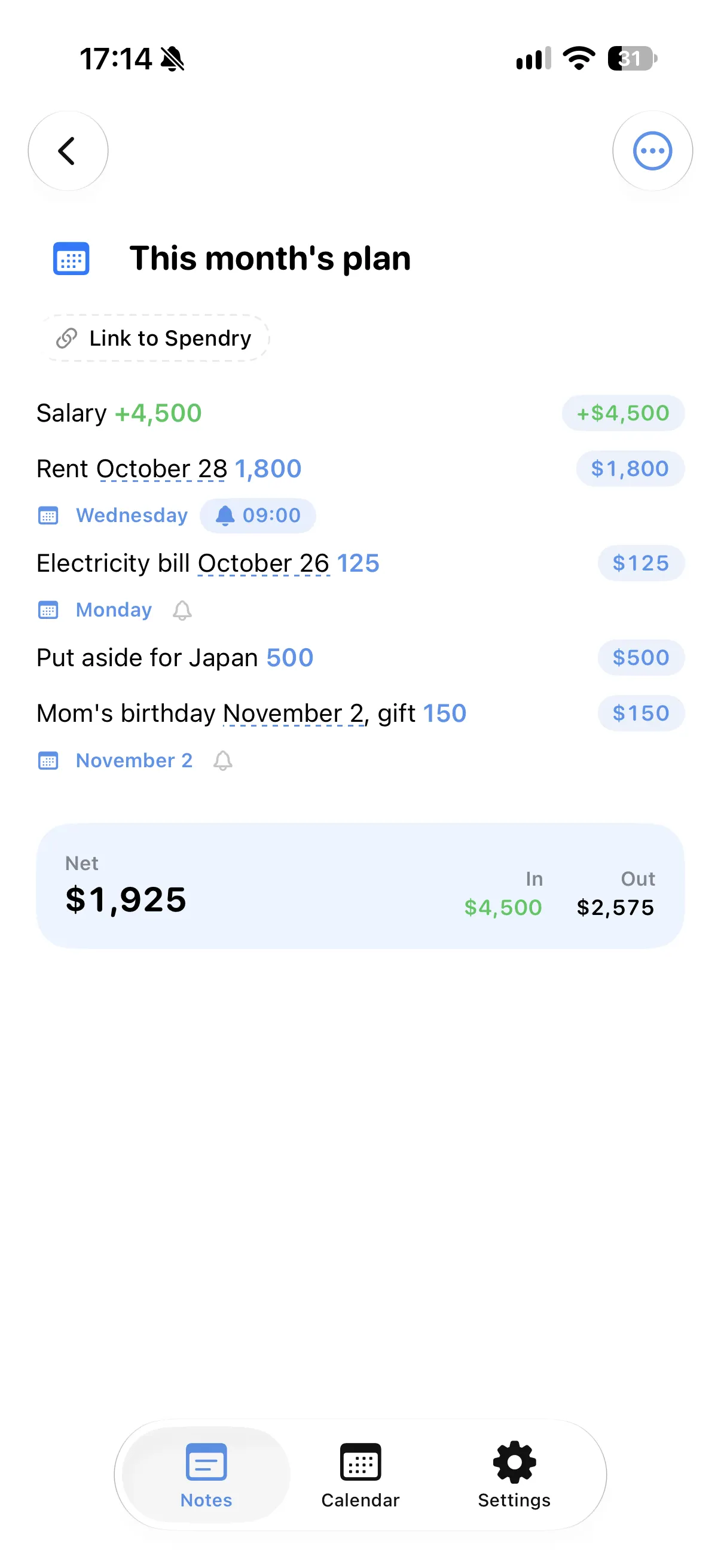
- Monthly plan in a note
- Trip budget planner
- Moving checklist
- Event budget planner
- Notes with reminders
- Remember grocery prices
- Gift list with a budget
- Black Friday list
- Daily expense notes
- Renovation budget
- Spendry & Notes