One line, every share
"Dinner 120/3" is enough: Spendry Notes shows each person's share under the line.
Tips and discounts
Add "+10% tip" or "-20%" and the shares follow the new total.
Trips and shared costs
Keep a whole weekend in one note: tickets, rooms and meals, each with its share.
Keep it with your plans
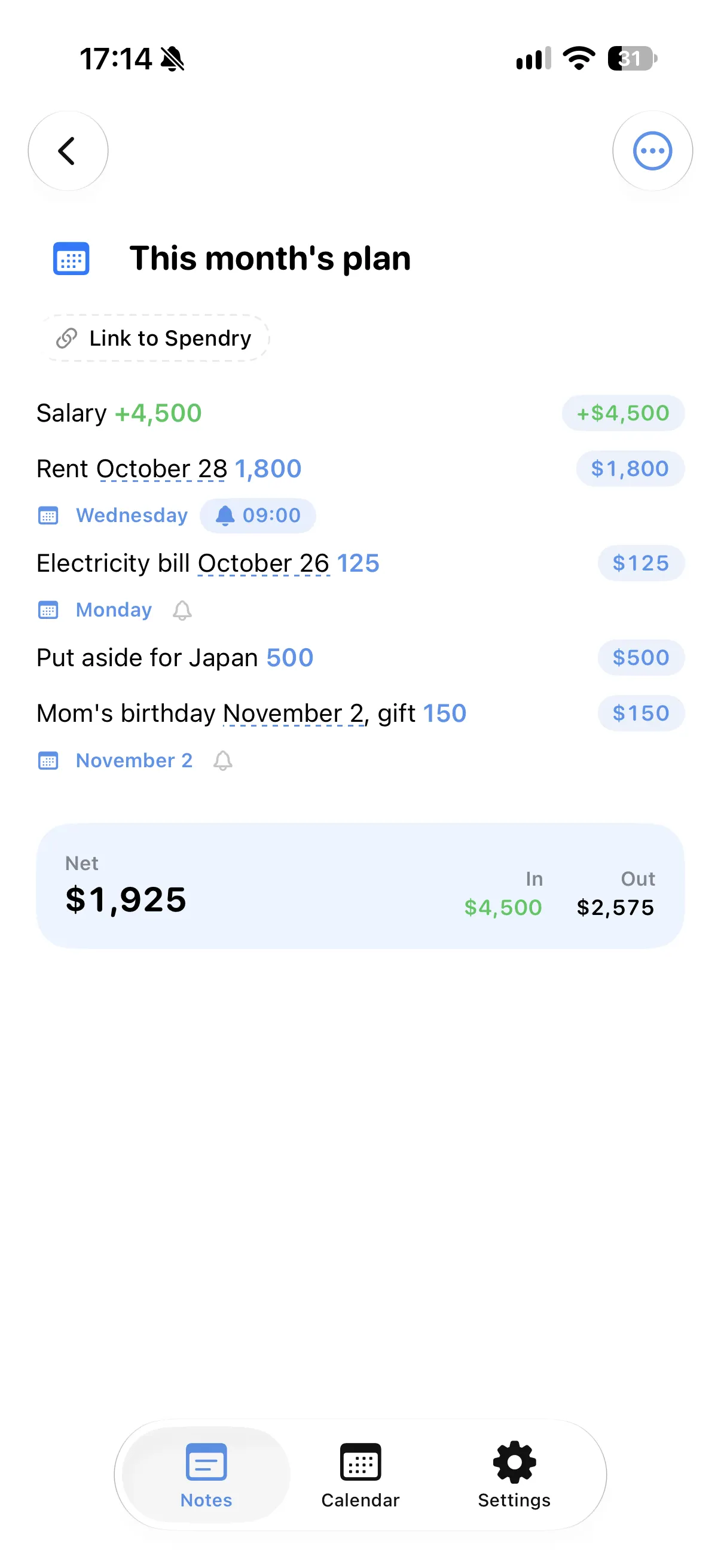
Write a day next to a cost and it shows up in your calendar.
How to split a bill in Spendry Notes
- Write what you paid and divide it by the number of people, like "Dinner 120/3".
- Add a tip or a discount if there is one.
- Read each person's share under the line.
- Keep adding costs to the same note for a trip or an event.
Why split costs in a note
- No separate calculator or bill splitting app.
- The note remembers who paid for what in your own words.
- Totals and shares change when you edit a line.
- Free, with nothing to sign up for.
Questions
How do I split a bill on iPhone?
In Spendry Notes, write the amount divided by the number of people, such as "Dinner 120/3", and each person's share appears under the line.
Can I include a tip?
Yes. Add "+10% tip" and the shares follow the new total.
Does it cost anything?
No. Spendry Notes and all of its features are free.
More from Spendry Notes
- Spendry Notes
- Grocery list app
- Shopping list with prices
- Notes app with calculator
- Monthly plan in a note
- Trip budget planner
- Moving checklist
- Event budget planner
- Notes with reminders
- Wishlist with prices
- Remember grocery prices
- Gift list with a budget
- Black Friday list
- Daily expense notes
- Renovation budget
- Spendry & Notes