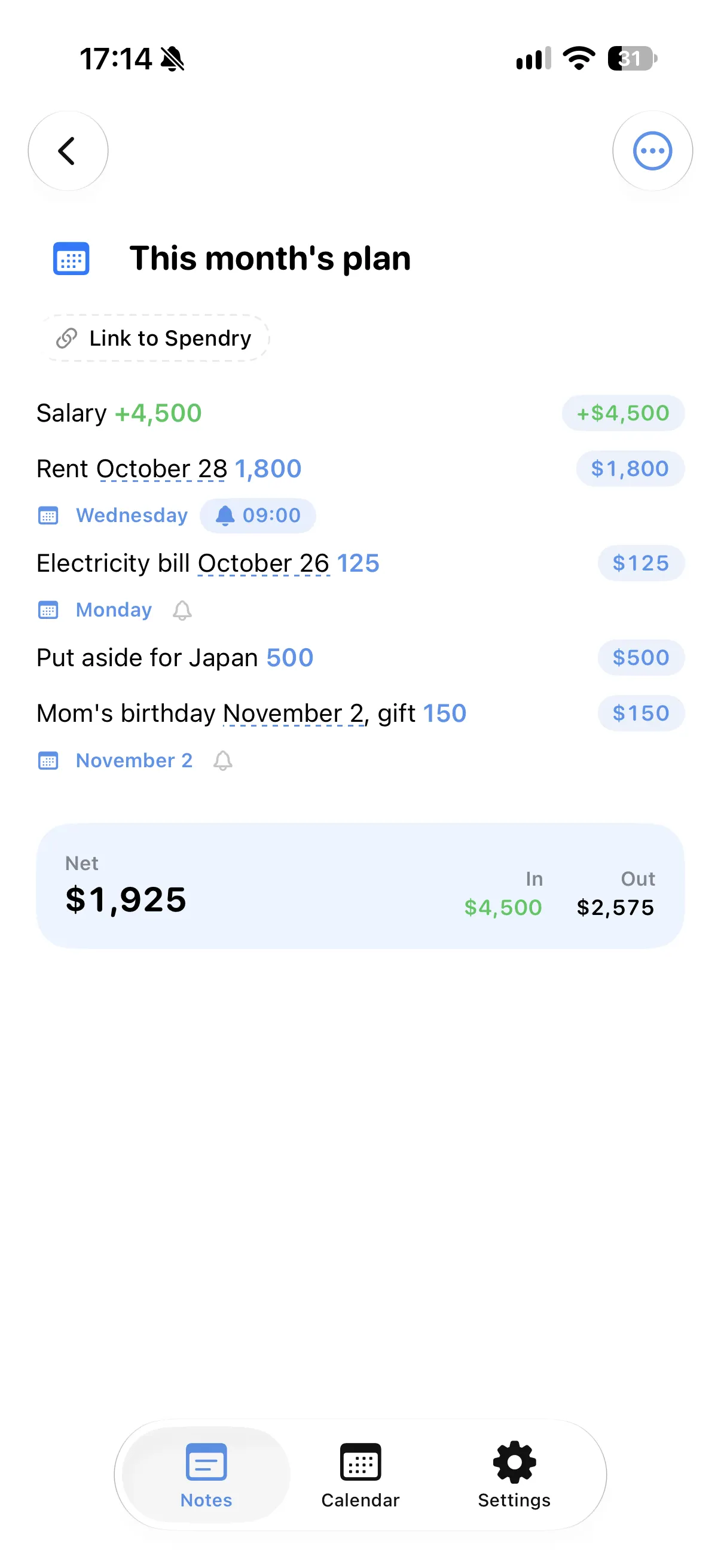
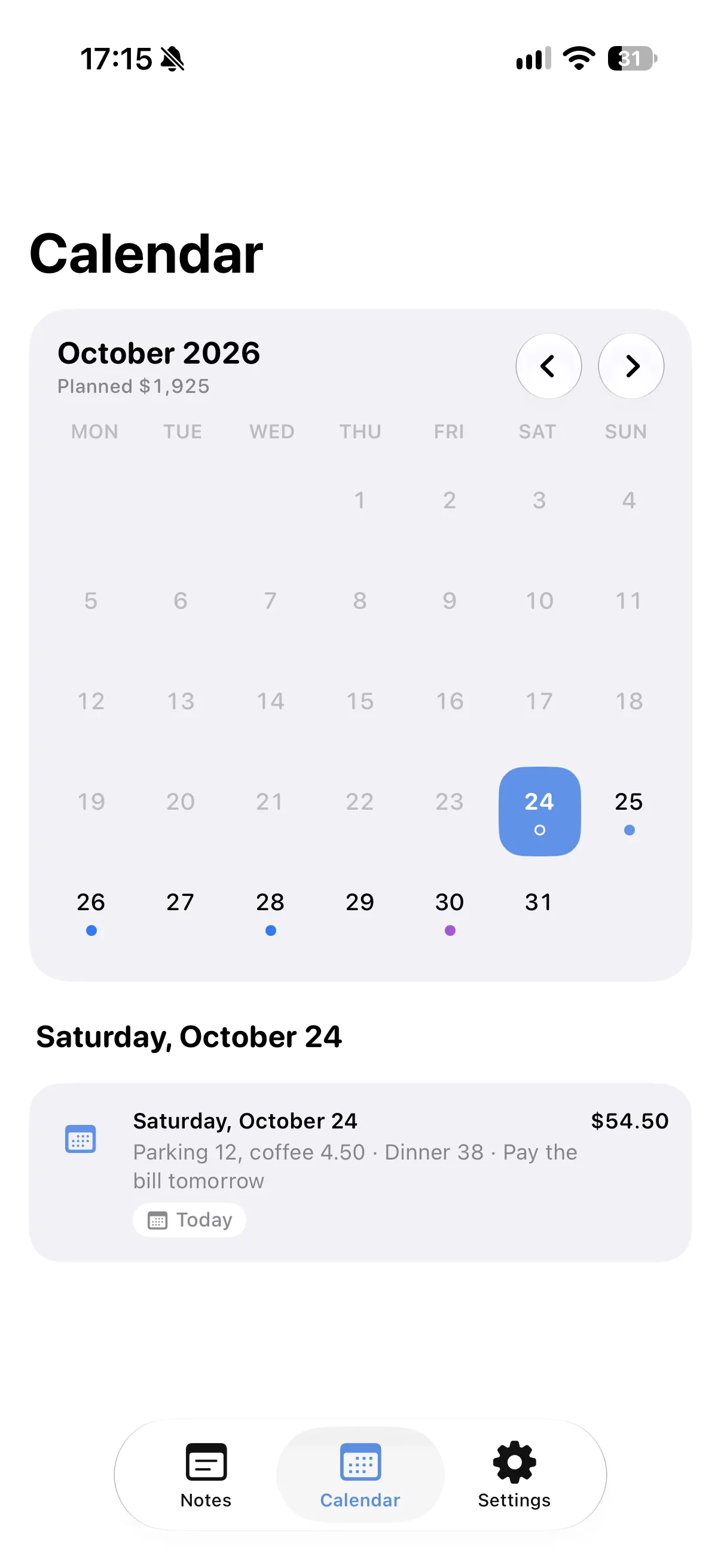
Today's note
Tap Today and write each thing you spend on its own line, such as "Parking 12" or "Coffee 4.50". The note adds up the day for you.
Every day on the calendar
Each day's note shows up on that day in your calendar with its total, so last week's spending is a tap away.
Send it to Spendry
Send a line to Spendry as an expense in one tap and keep your budgets up to date.
Add it with Siri
Siri can add a line to today's note, and an amount in it is counted.
How to track daily expenses in notes
- Tap Today in Spendry Notes.
- Write each thing you spend with its amount.
- Check the day's total in the note or on the calendar.
- Send a line to Spendry when you want it in your budget.
Why keep daily expenses in Spendry Notes
- As quick as writing a note.
- A total for every day, on your calendar.
- Spendry keeps the budget when you want more.
- Free, with nothing to sign up for.
Questions
How do I track daily expenses in a notes app?
Write each expense on its own line with its amount in Spendry Notes. The note adds the lines up, and each day's note appears on your calendar with its total.
Can I move an expense to my budget?
Yes. Send a line to Spendry as an expense in one tap.
Do I need a bank login?
No. You write your expenses yourself, and Spendry Notes never connects to a bank.
More from Spendry Notes
- Spendry Notes
- Grocery list app
- Shopping list with prices
- Notes app with calculator
- Split the bill
- Monthly plan in a note
- Trip budget planner
- Moving checklist
- Event budget planner
- Notes with reminders
- Wishlist with prices
- Remember grocery prices
- Gift list with a budget
- Black Friday list
- Renovation budget
- Spendry & Notes