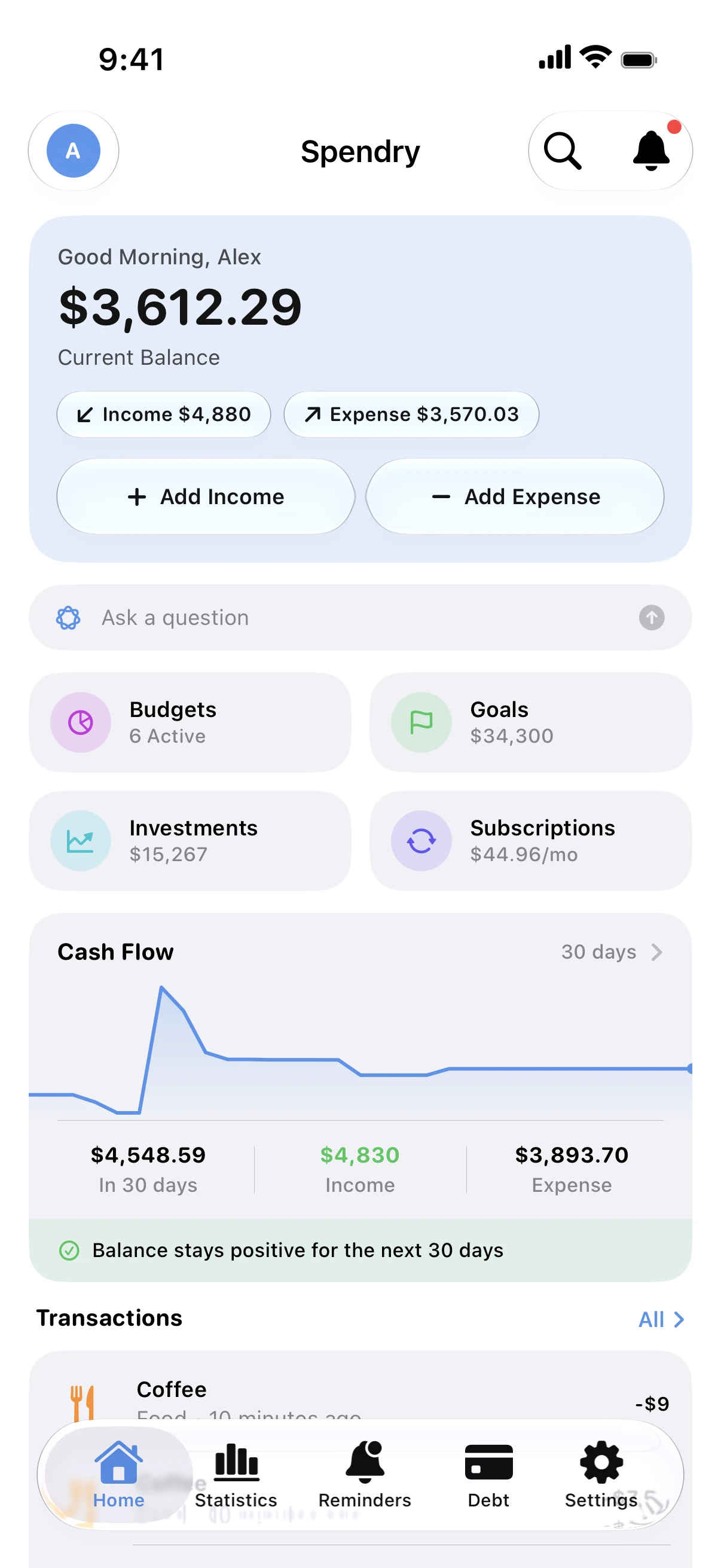
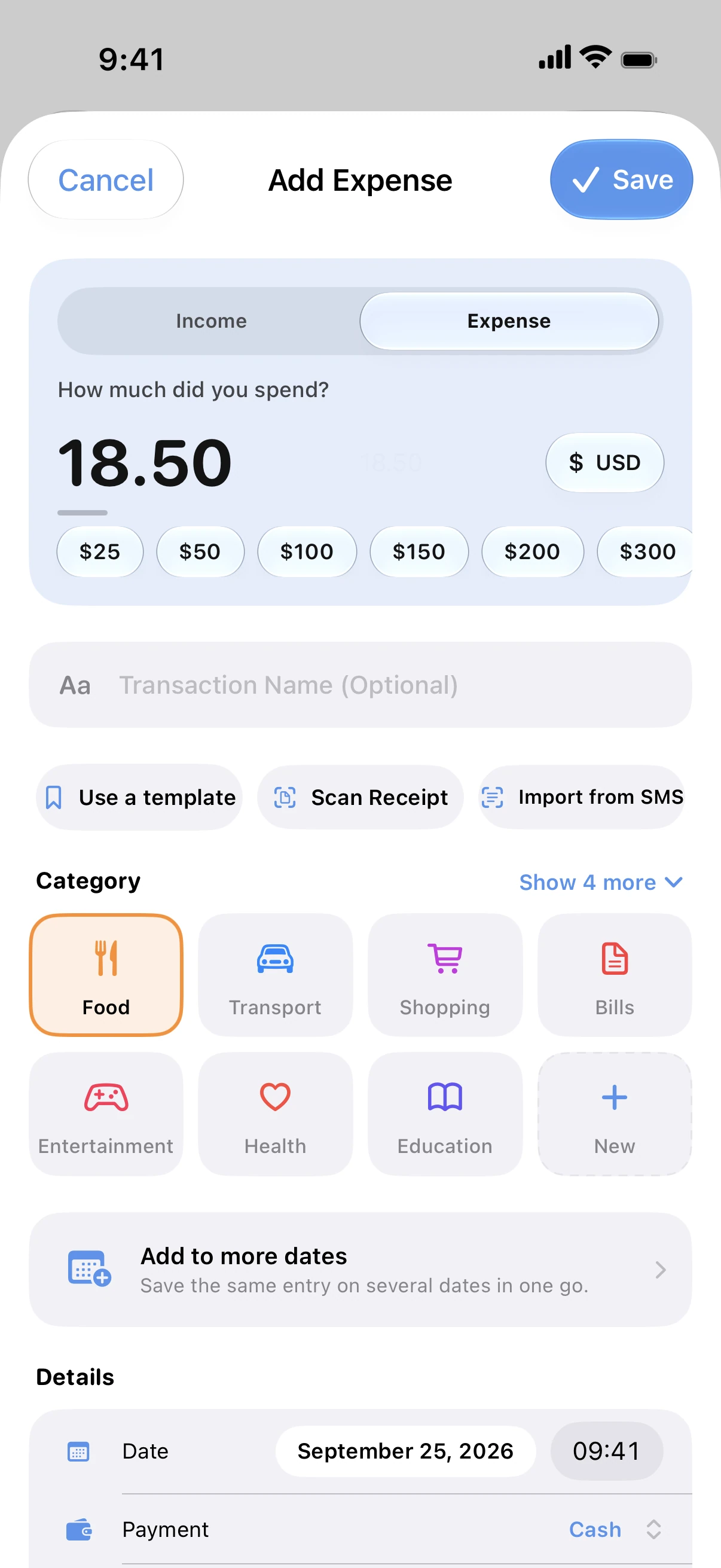
Nothing connects to your bank
There is no bank login, no aggregator and no account to create. Spendry works the same in every country, with any bank, card or currency.
Adding expenses stays quick
Type an amount, scan a receipt, add one from a Home Screen widget or ask Siri. You can also turn your bank's text messages into entries.
Apple Pay purchases can log themselves
Turn on the ready-made Shortcuts automation and every Apple Pay purchase is added to Spendry with its amount.
Data not collected
No ads, no analytics, no tracking. The App Store privacy label says Data Not Collected, and you can lock the app with Face ID.
How it works without a bank connection
- Add your cards, loans and accounts with their current balances.
- Log spending as it happens, or bring it in from bank messages.
- Turn on the Apple Pay automation in the Shortcuts app.
- Check your balance and budgets; reminders tell you before anything is due.
Why skip the bank connection
- Your bank password never leaves your hands.
- No broken connections or missing transactions when a bank changes its systems.
- Works with any bank, including the ones budget apps don't support.
- Writing an expense down makes you notice it.
Free calculators
Monthly budget calculator
Free monthly budget calculator: split your take-home pay into needs, wants, and savings or debt payments in seconds. No sign-up.
Debt payoff calculator
Free debt payoff calculator: compare the snowball and avalanche methods and see the month you'll be debt-free and the interest you'll pay. No sign-up.
Subscription cost calculator
Free subscription calculator. List your subscriptions with their price and billing cycle and see what they cost each month, each year and over five years.
Guides
How to track spending without linking your bank
You don't need to give an app your bank login to track spending. Add expenses in seconds, scan receipts and keep your data on your own iPhone.
Log Apple Pay purchases automatically
Use a ready-made Shortcuts automation to log every Apple Pay purchase in Spendry, so your budgets stay up to date without typing.
How to make a monthly budget that works
A simple way to build a monthly budget: start from your income, cover needs first, set limits for spending and save before you spend.
Questions
Why doesn't Spendry connect to my bank?
So that your bank login and your transactions never pass through anyone's servers. Your records stay on your iPhone and in your own iCloud.
Isn't adding expenses by hand slow?
It takes a few seconds, and you can skip it for Apple Pay with the Shortcuts automation, use a widget, ask Siri or bring in bank messages.
Can Spendry read my bank's text messages?
Not on its own. You paste or share a bank message into Spendry and it turns it into an entry.
Is my data safe?
Spendry collects no data. Your records live on your device and sync through your own iCloud, and you can lock the app with Face ID.