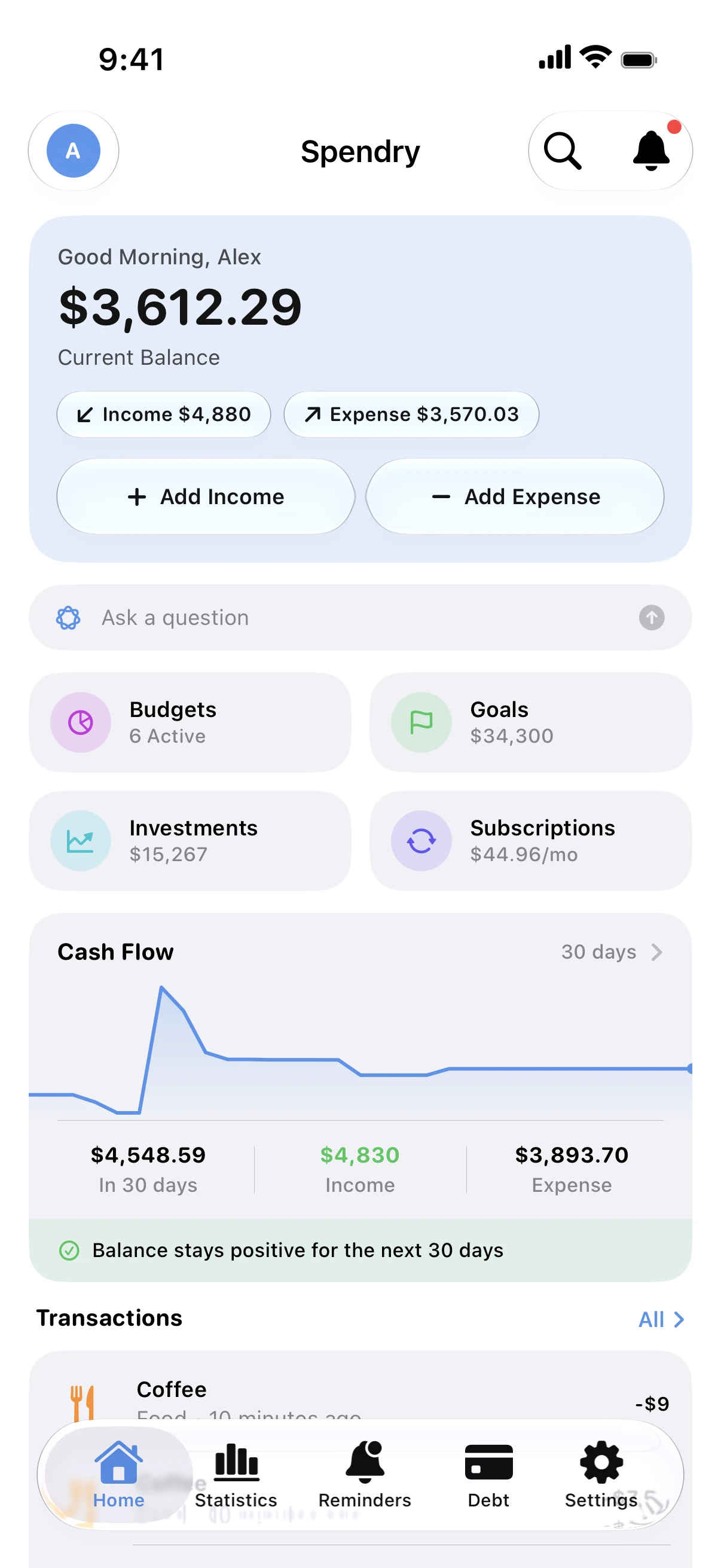
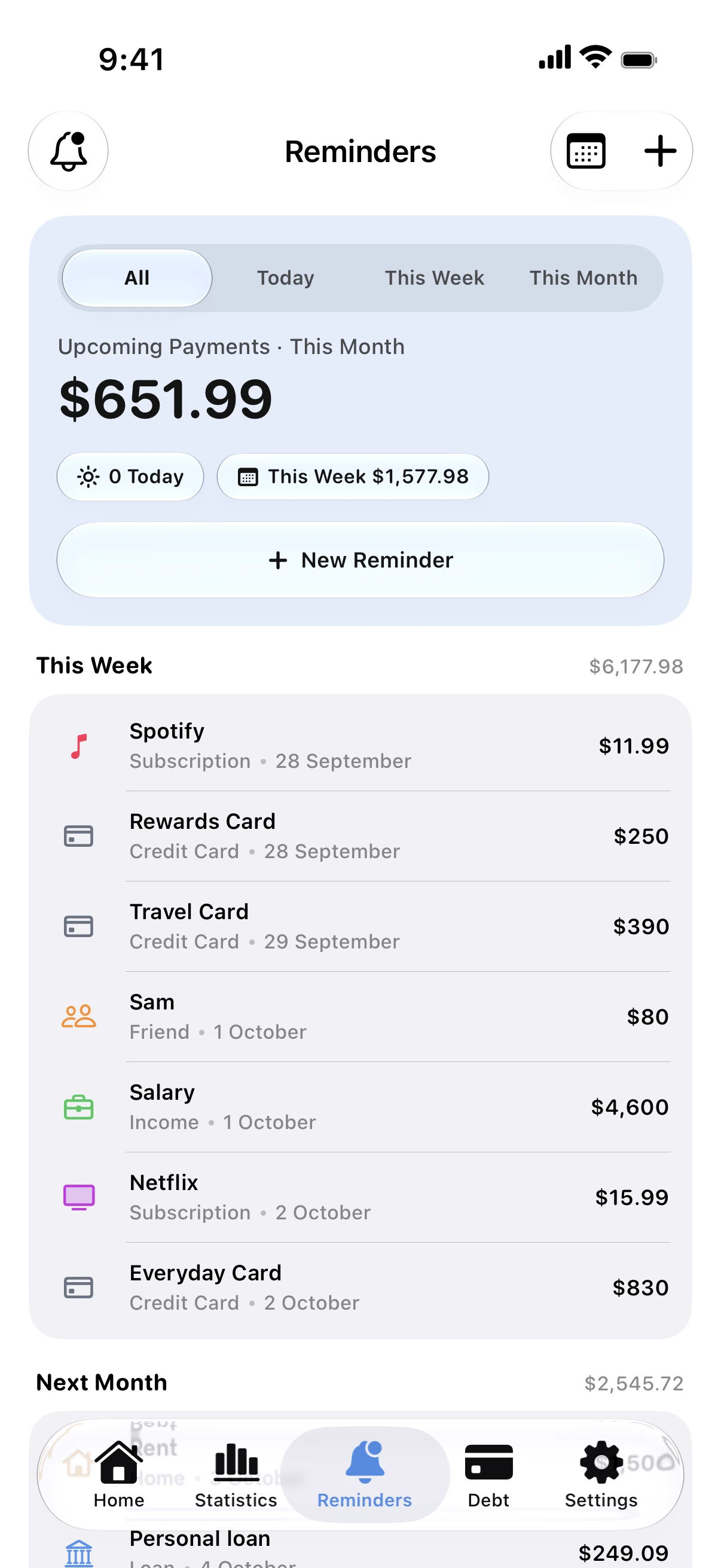
Seeing the total, monthly and yearly, is usually enough to find two or three you no longer use.
Track subscriptions in Spendry
- Add each subscription with its price and billing cycle: weekly, monthly or yearly.
- Spendry shows the monthly and yearly total and the next renewal date.
- Get a reminder before each renewal, so you can cancel in time.
Tip
Try the subscription cost calculator on this site: list what you pay and see the yearly total in seconds.
Subscription cost calculator
Free subscription calculator. List your subscriptions with their price and billing cycle and see what they cost each month, each year and over five years.
Questions
Does Spendry cancel subscriptions for me?
No. Spendry never connects to your accounts. It reminds you before the renewal so you can cancel with the provider.
Can I track yearly subscriptions too?
Yes. Spendry handles weekly, monthly and yearly cycles and counts them in your monthly total.