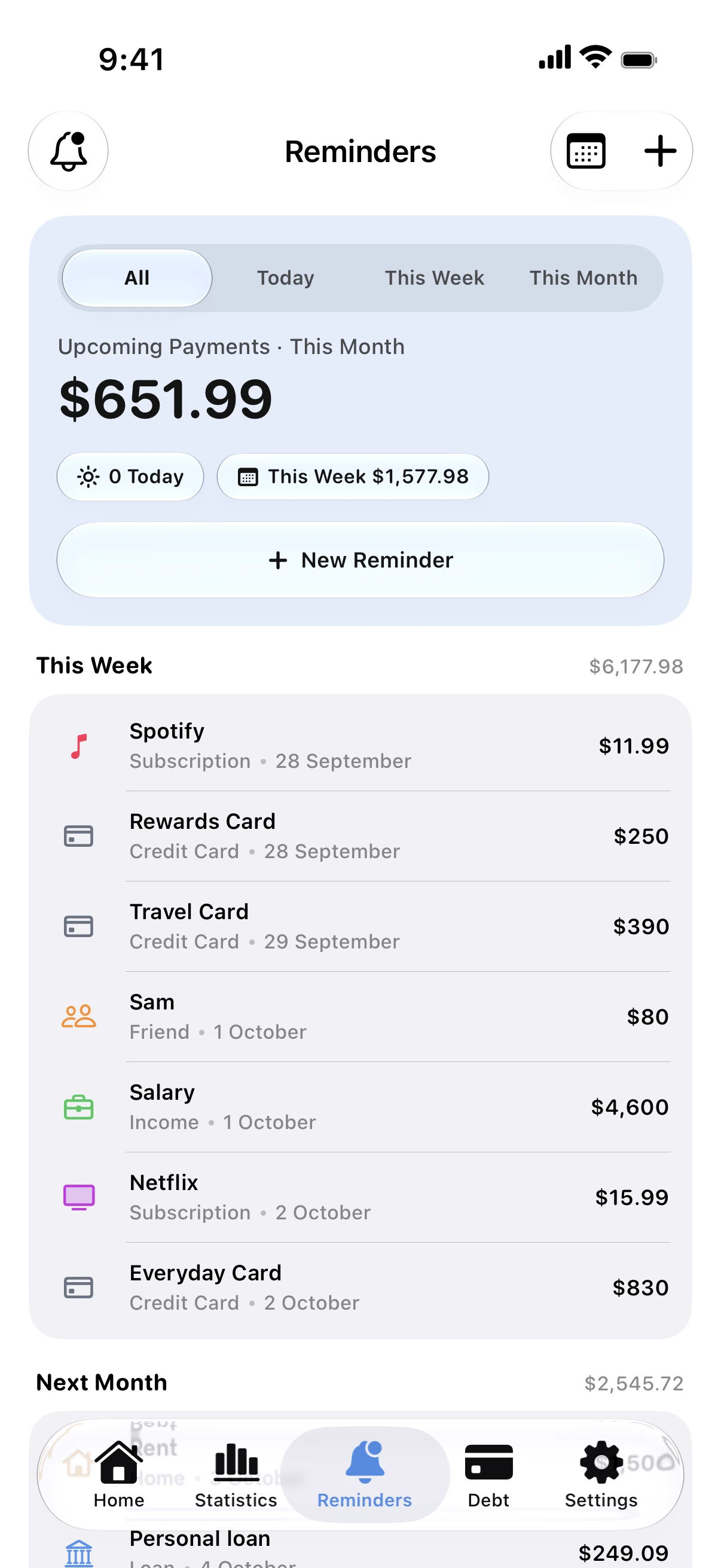
The trick is to keep every bill in one place: rent, utilities, phone, cards, loans and subscriptions.
Set it up in Spendry
- Add each bill and subscription with its amount, its due date and how often it repeats.
- Choose how many days before the due date you want to be reminded.
- Reminders arrive even when the app is closed. Mark a payment as paid or snooze it right from the notification.
Tip
Add the upcoming payments widget to your Home Screen, so the next week's bills are in sight every time you unlock your phone.
Questions
Will I get reminders if I never open the app?
Yes. Spendry schedules them on your iPhone, so they arrive even if the app stays closed.
Can I see everything that is due this week?
Yes. The Reminders screen lists what is coming up, and an optional morning automation sums up the next three days in one notification.