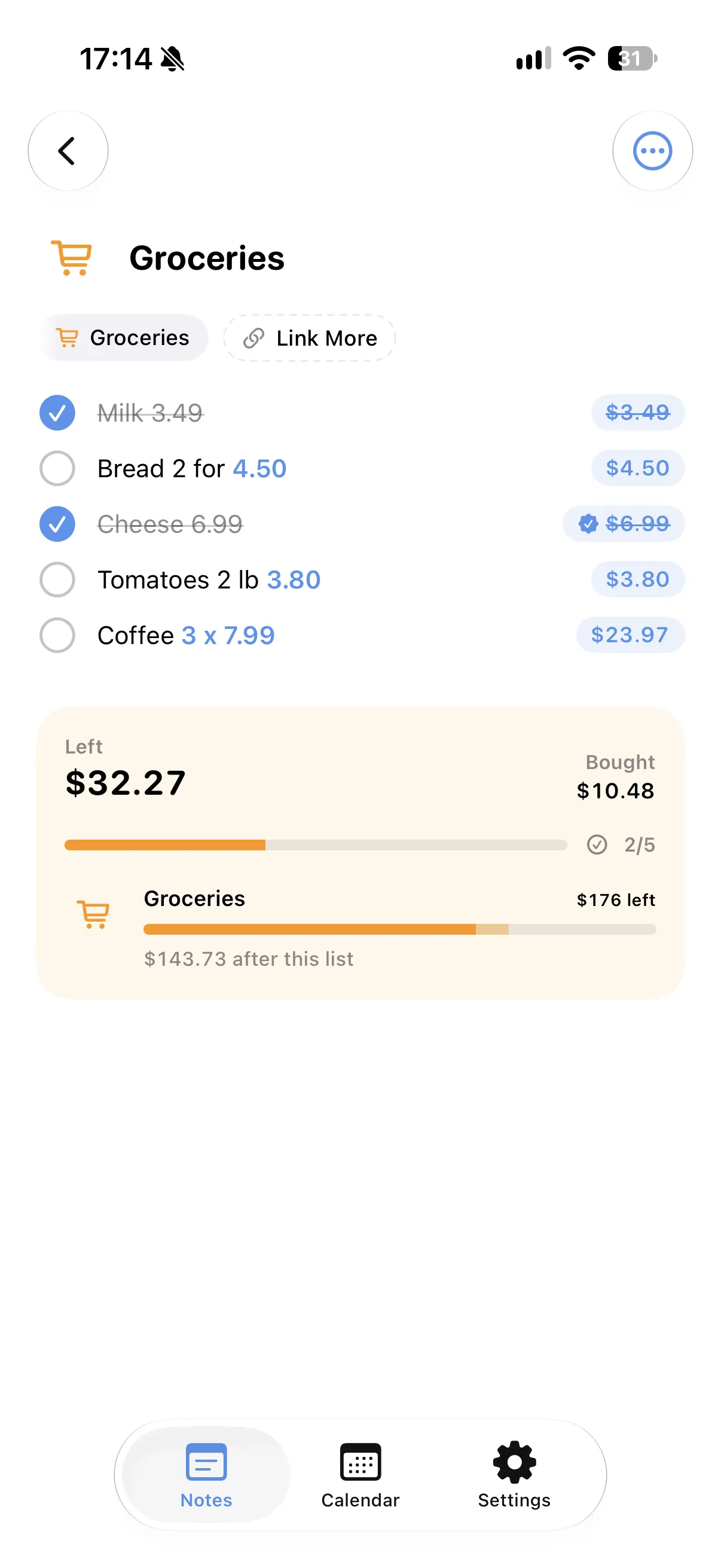
Materials by quantity
Write "Paint 6 x 35" or "30 tiles at 12 each" and each line is worked out for you.
Labor and extras in one total
The contractor, delivery and cleaning go into the same total as you write them.
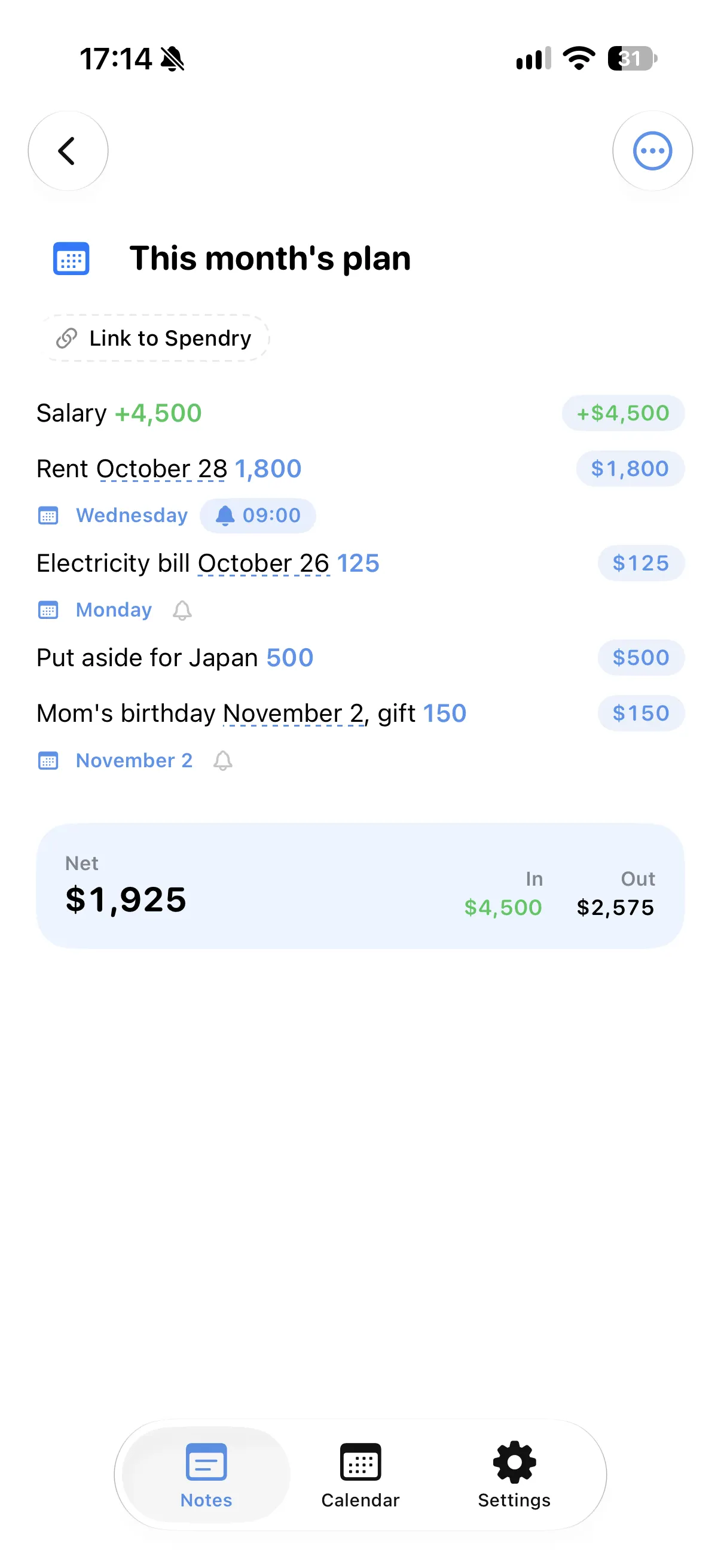
Payments on their days
Write "Deposit on the 15th 1,000" and it shows up on that day in your calendar, with a reminder if you want one.
Linked to a goal
With Spendry, link the note to a savings goal and see what the renovation would leave.
How to plan a renovation budget
- Start a list in Spendry Notes for the project.
- Write each material and job with its price, or with a quantity and a unit price.
- Add the day to deposits and payments so they show up on your calendar.
- Tick what you have bought and see what is left to pay.
Why plan a renovation in Spendry Notes
- The whole project in one note, with its total.
- Quantities and unit prices worked out for you.
- Payment days on your calendar, reminders where you need them.
- Free to download and free to use.
Questions
How do I make a renovation budget on iPhone?
Make a list in Spendry Notes and write each material and job with its price. The list adds them up, with separate totals for what you bought and what is left.
Can it remind me about payments?
Yes. Write the day in the line, add a reminder and you get a notification on that day.
Is it free?
Yes. All Spendry Notes features are free.
More from Spendry Notes
- Spendry Notes
- Grocery list app
- Shopping list with prices
- Notes app with calculator
- Split the bill
- Monthly plan in a note
- Trip budget planner
- Moving checklist
- Event budget planner
- Notes with reminders
- Wishlist with prices
- Remember grocery prices
- Gift list with a budget
- Black Friday list
- Daily expense notes
- Spendry & Notes