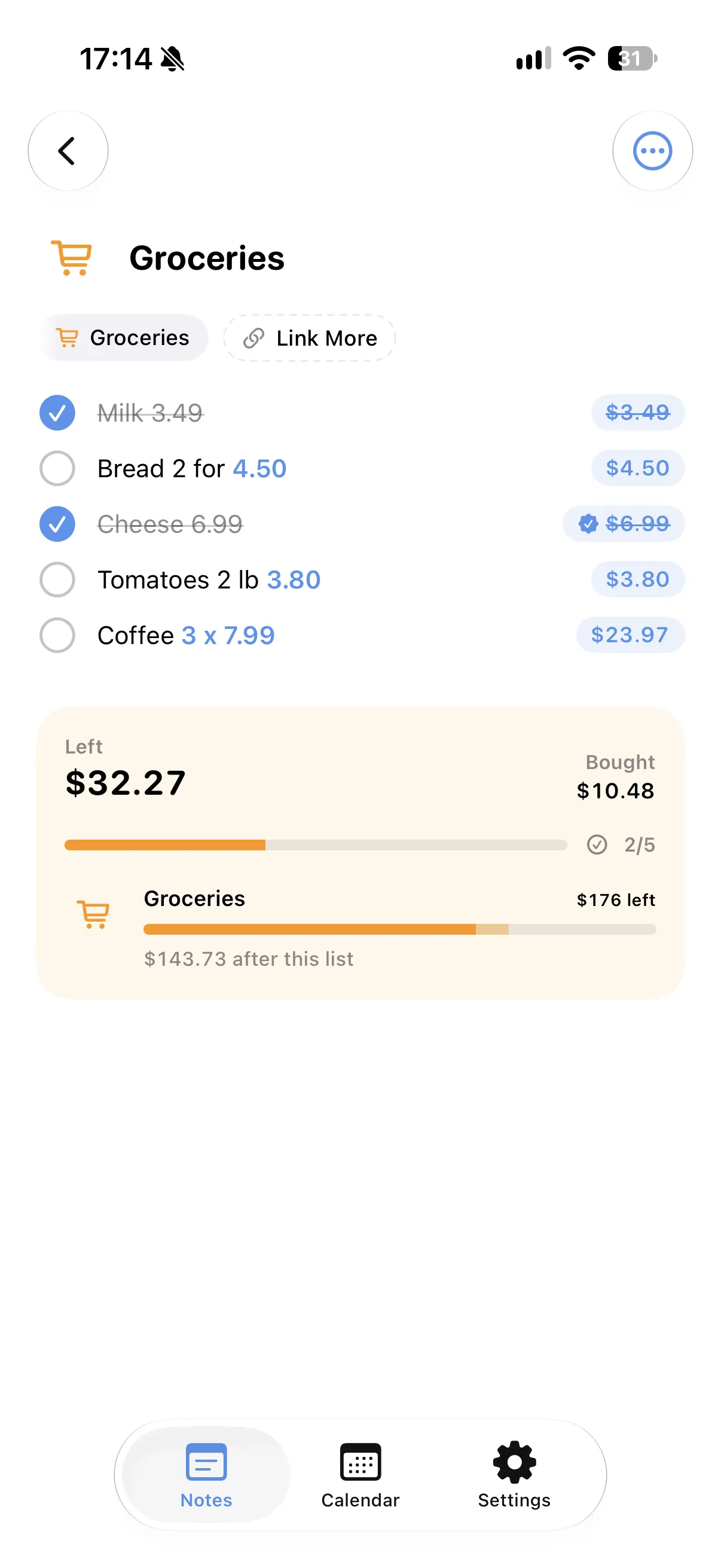
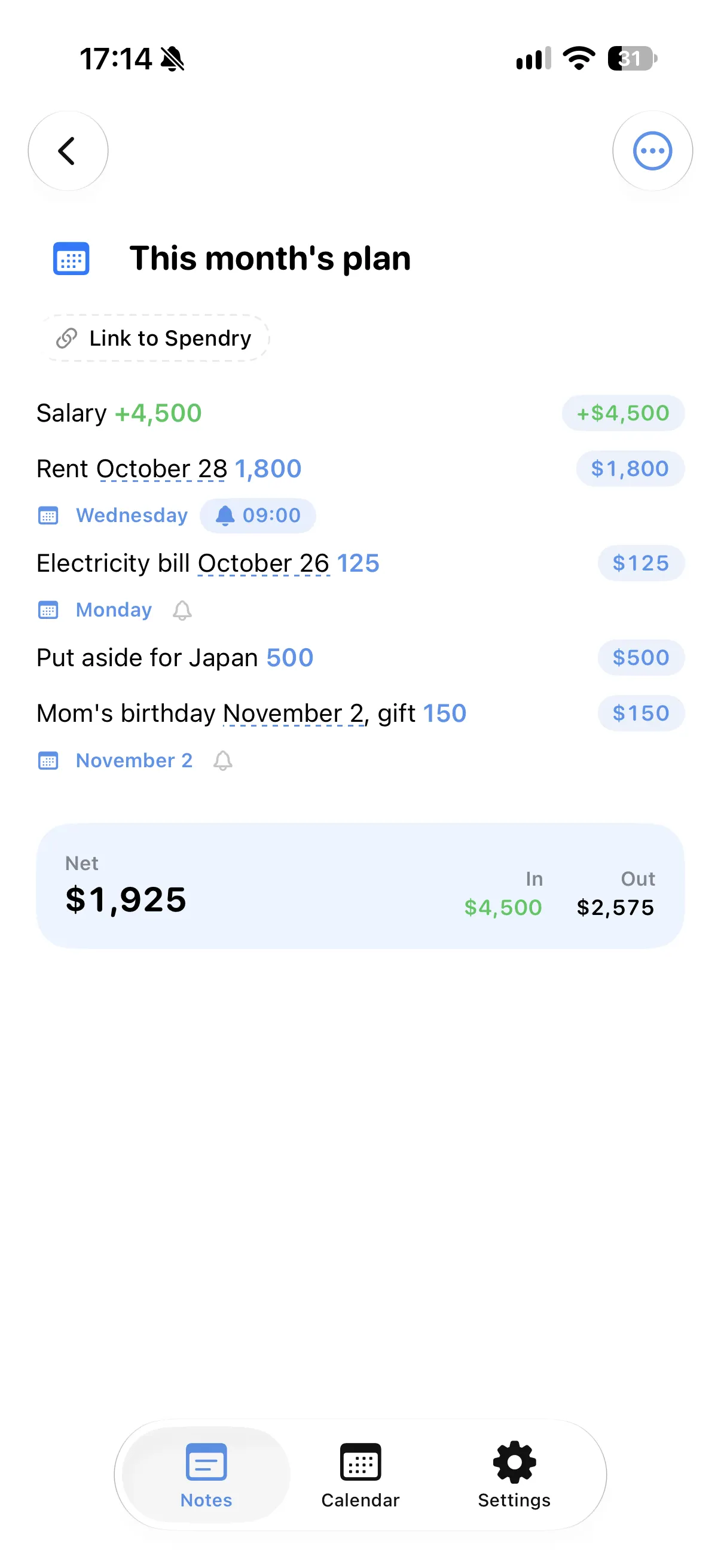
A ready template
The event template is a ready start for a party, a birthday or a wedding.
Every cost in one total
Venue, food, music and gifts are added up as you write them.
Shares for the people who pay
Divide a cost by the number of people and each share appears under the line.
Dates and reminders
Deposits and deadlines land on your calendar, with a reminder if you want one.
How to plan an event budget
- Start a note from the event template.
- Write each cost with its amount and day.
- Split shared costs by the number of people.
- Add reminders to deposits and deadlines.
Why plan an event in Spendry Notes
- The whole budget in one note, with its total.
- Deadlines on your calendar, reminders where you need them.
- Shared costs are split for you.
- Free to download and free to use.
Questions
How do I plan a party budget on iPhone?
Start a note from the event template in Spendry Notes, write each cost and the note adds them up and shows the shares.
Can it remind me about deposits?
Yes. Add a reminder to the line and you get a notification on that day.
Is it free?
Yes. All Spendry Notes features are free.
More from Spendry Notes
- Spendry Notes
- Grocery list app
- Shopping list with prices
- Notes app with calculator
- Split the bill
- Monthly plan in a note
- Trip budget planner
- Moving checklist
- Notes with reminders
- Wishlist with prices
- Remember grocery prices
- Gift list with a budget
- Black Friday list
- Daily expense notes
- Renovation budget
- Spendry & Notes