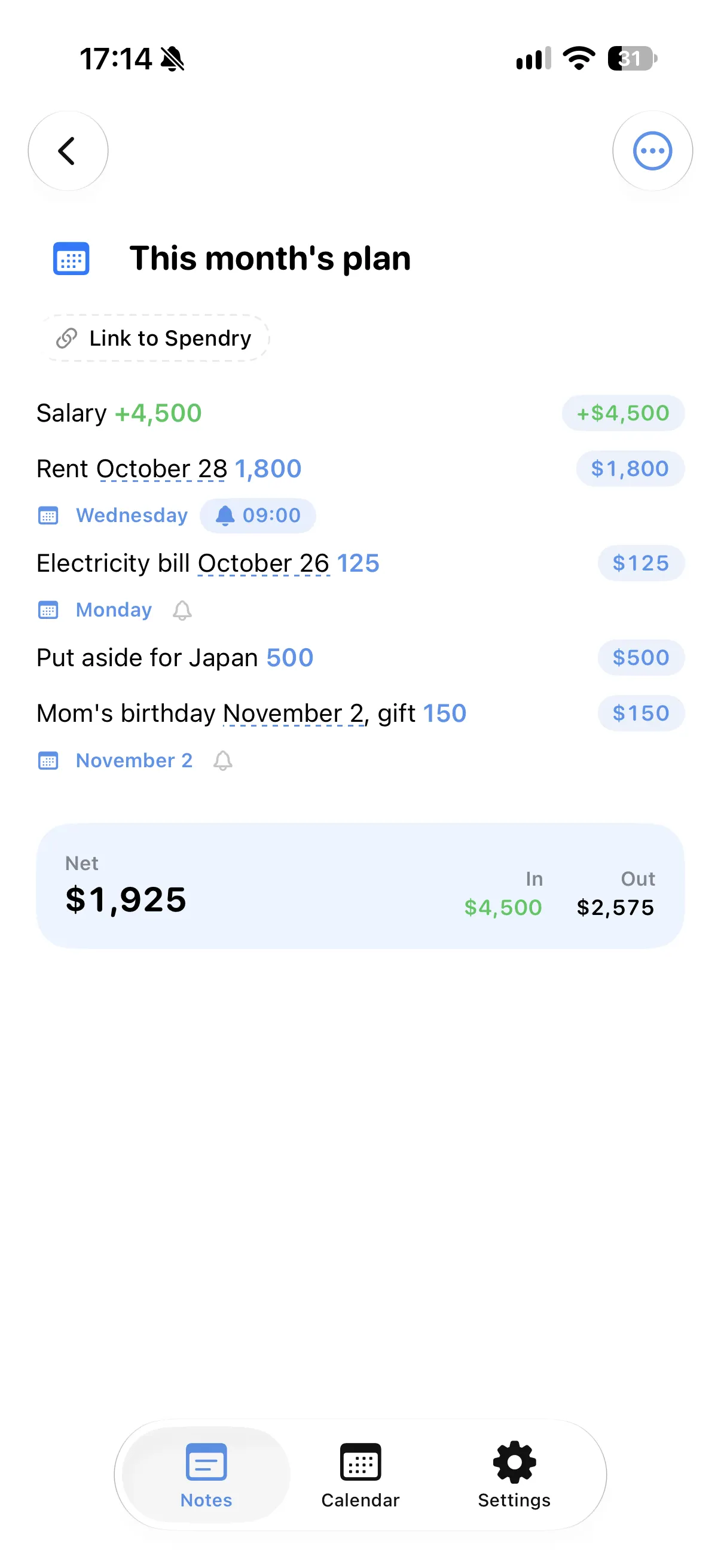
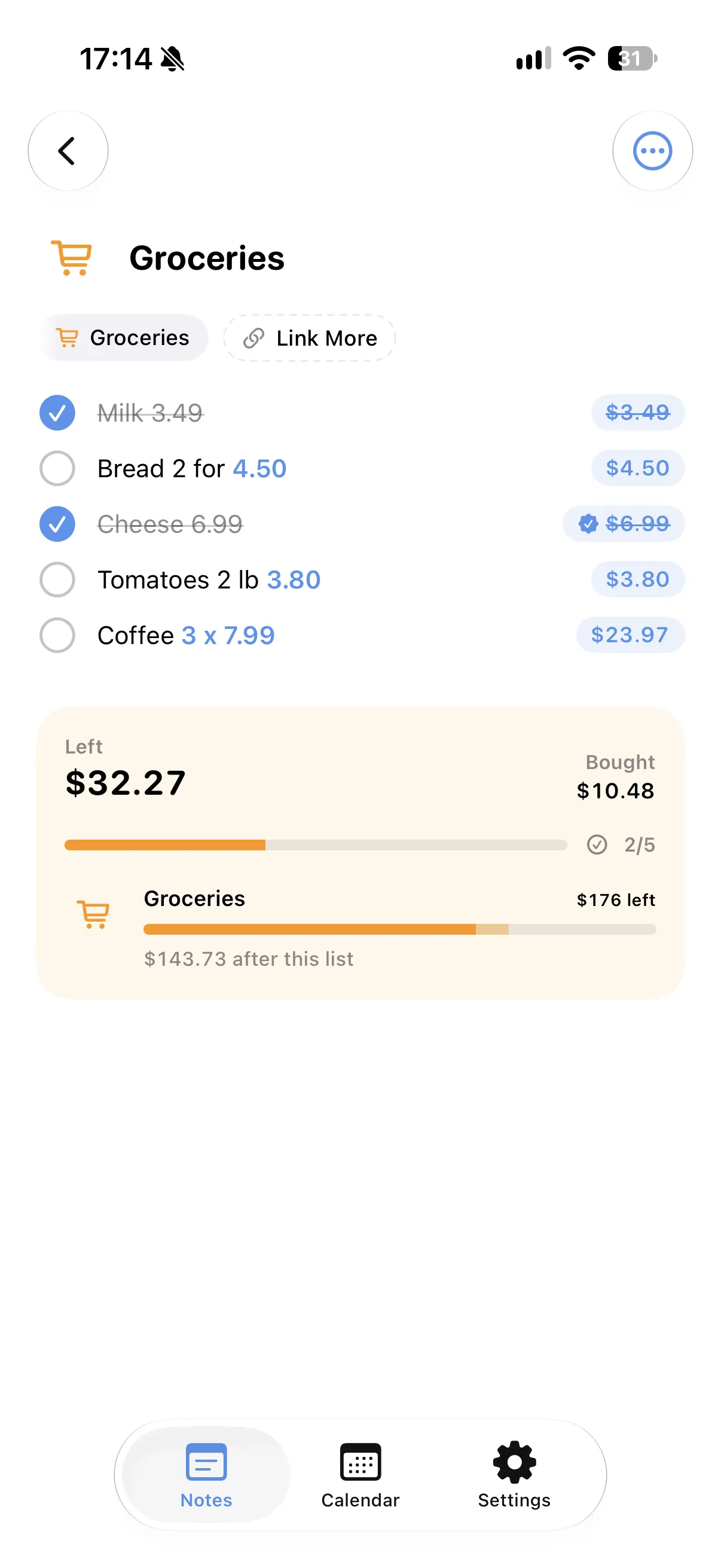
Tasks and costs together
Each line can be a task with its cost, so the checklist is also your moving budget.
Done and still to do
Tick a line when it is done and the totals show what is spent and what is still to come.
Dates on your calendar
"Van on Saturday" or "Deposit on the 1st" land on their days in the calendar.
Reminders where you need them
Add a quiet reminder to the lines that must not be missed.
How to plan a move in Spendry Notes
- Start a note from the moving template.
- Add the tasks with their costs and days.
- Tick tasks off as you finish them.
- Check the total before moving day.
Why use a checklist with costs
- No separate spreadsheet for the moving budget.
- You see what is spent and what is left at a glance.
- Dates and reminders come from the same note.
- All Spendry Notes features are free.
Questions
Is there a moving checklist app with costs?
Spendry Notes has a moving template where each task can have a cost and a day. The note adds up the costs and puts the days on your calendar.
Can I set reminders for moving day?
Yes. Add a reminder to any line and you get a quiet notification on that day.
Is it free?
Yes. All Spendry Notes features are free.
More from Spendry Notes
- Spendry Notes
- Grocery list app
- Shopping list with prices
- Notes app with calculator
- Split the bill
- Monthly plan in a note
- Trip budget planner
- Event budget planner
- Notes with reminders
- Wishlist with prices
- Remember grocery prices
- Gift list with a budget
- Black Friday list
- Daily expense notes
- Renovation budget
- Spendry & Notes