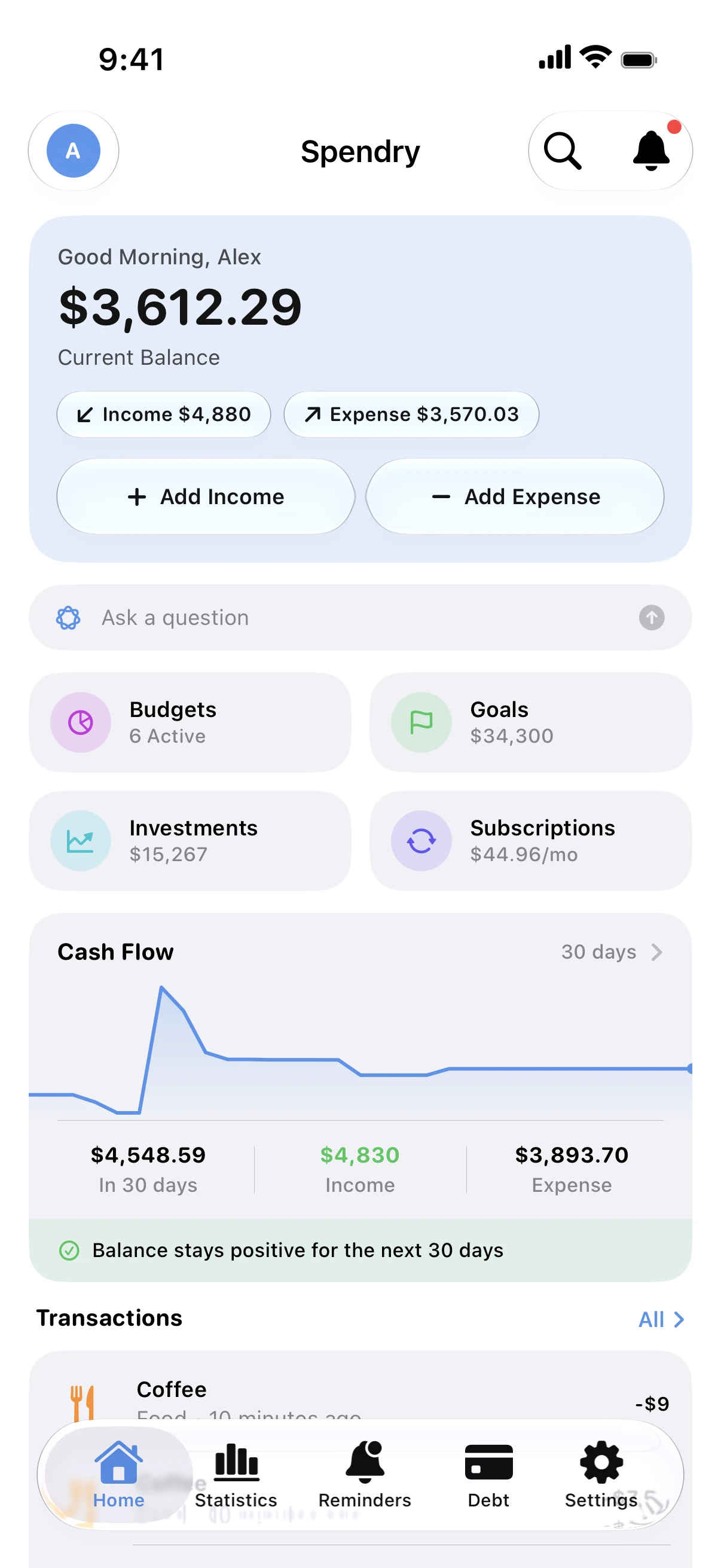
Fast to add, every way you like
Add from the app, a Home Screen widget, Siri or a Shortcuts automation, and keep a scanned receipt with the expense.
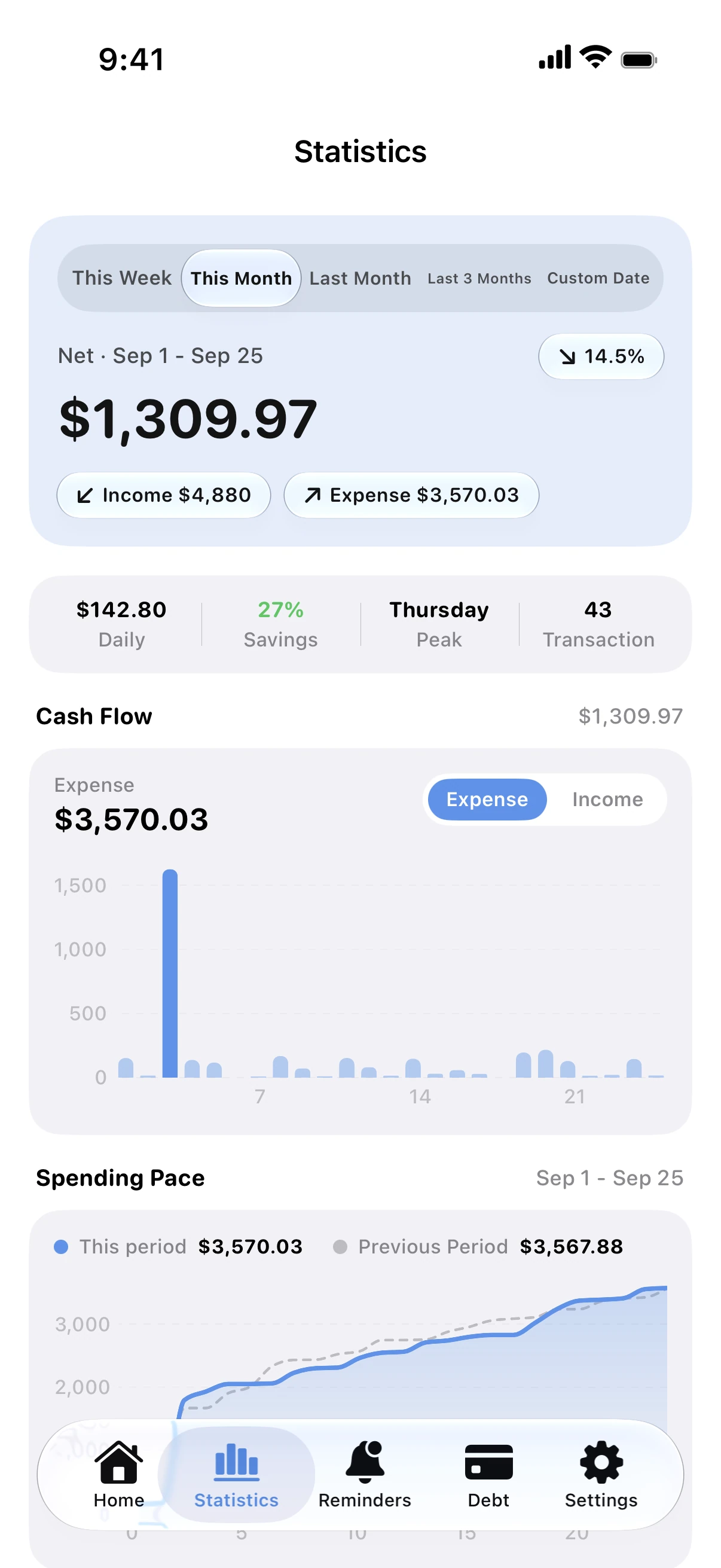
Charts that answer questions
Weekly and monthly views by category and by day, your daily average and your spending pace against the previous period.
Budgets warn you early
Expenses fill their category budgets, and Spendry tells you before one runs out.
Your own categories
Create the categories you need, with your own names and icons, instead of living with a fixed list.
How to start tracking
- Add your first expenses from the app or a widget.
- Create budgets for the categories that matter.
- Turn on the Apple Pay automation if you pay with your phone.
- Check the charts each week.
Why Spendry
- No bank login, no data collected.
- Widgets, Siri and Shortcuts all add expenses.
- Works in any currency, in 44 languages.
Free calculators
Monthly budget calculator
Free monthly budget calculator: split your take-home pay into needs, wants, and savings or debt payments in seconds. No sign-up.
Subscription cost calculator
Free subscription calculator. List your subscriptions with their price and billing cycle and see what they cost each month, each year and over five years.
Guides
Log Apple Pay purchases automatically
Use a ready-made Shortcuts automation to log every Apple Pay purchase in Spendry, so your budgets stay up to date without typing.
How to track spending without linking your bank
You don't need to give an app your bank login to track spending. Add expenses in seconds, scan receipts and keep your data on your own iPhone.
Budget widgets for your iPhone Home Screen
See your balance, budgets, goals and upcoming payments on your Home Screen and Lock Screen, and add an expense without opening the app.
Questions
Can I add an expense without opening the app?
Yes. Use a Home Screen widget, ask Siri, or let a Shortcuts automation log Apple Pay purchases.
Can I keep receipts?
Yes. Scan a receipt when you add an expense and it stays with that expense.
Does it work with any currency?
Yes. Choose your currency when you start; investments and foreign currency accounts can keep their own.
Is it free?
Yes, the core features are free. Premium is optional, with a free week to try it.