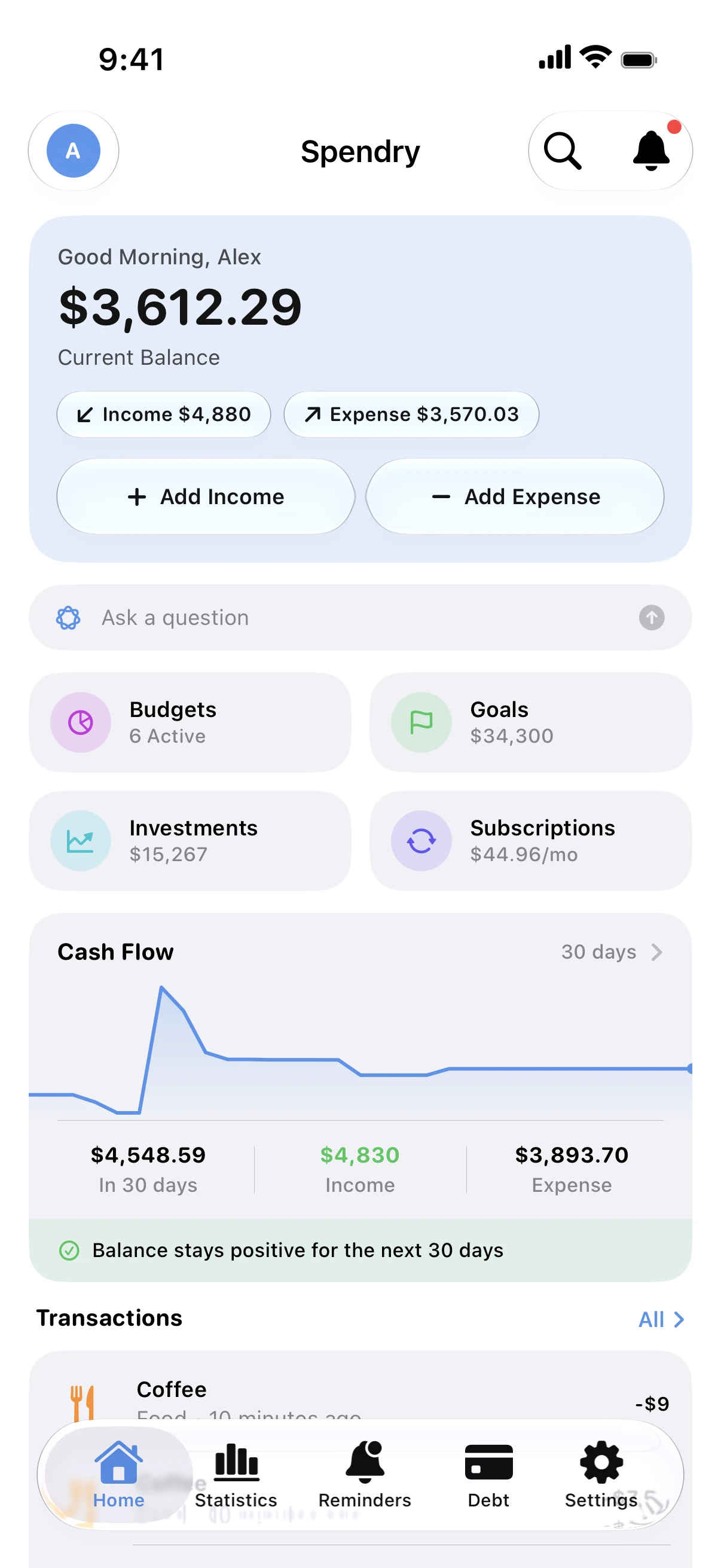
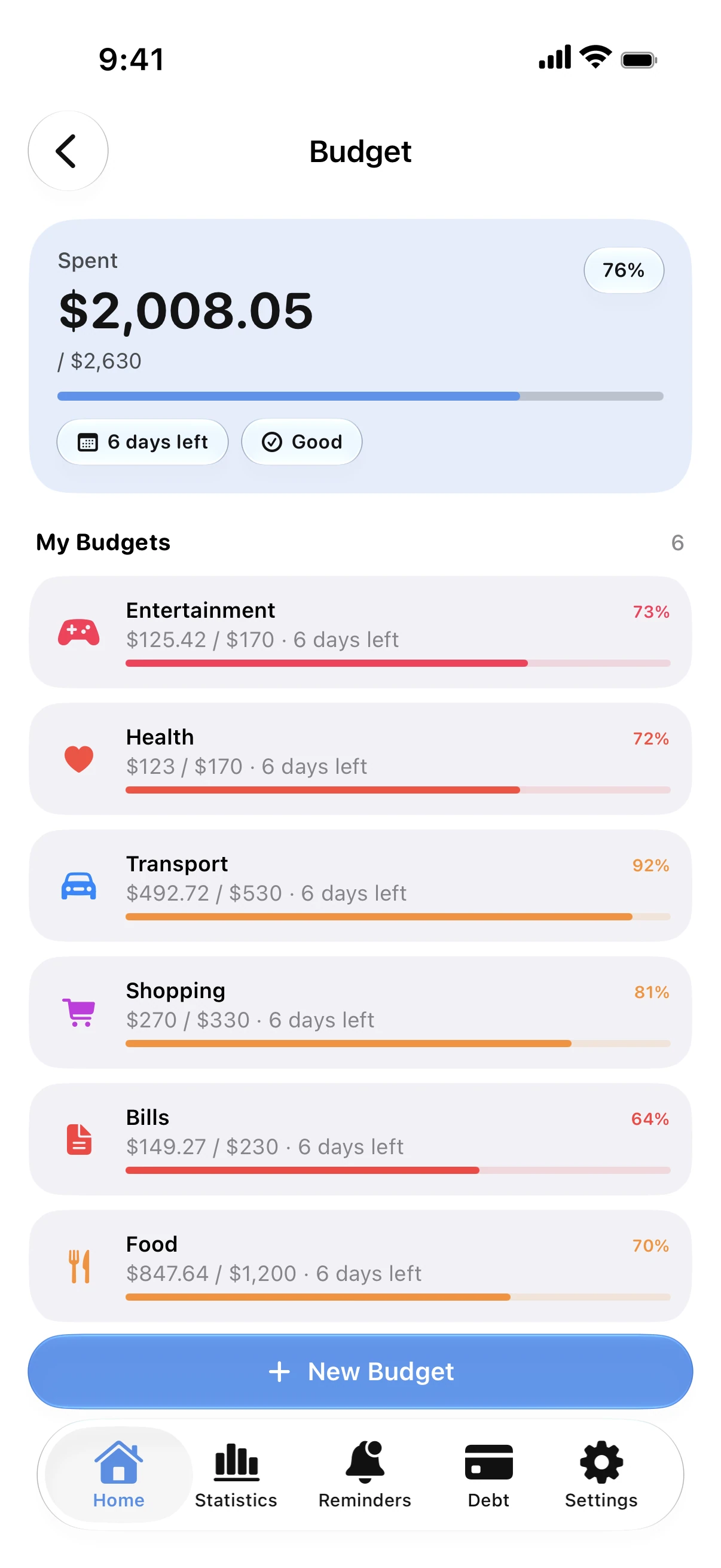
Share only what you want
Share a household budget or a goal and keep the rest of your money private.
Everyone adds from their own phone
Each person uses their own Apple Account; shared budgets and goals update for everyone.
No new accounts, no servers
Sharing works through iCloud. Spendry has no account system and collects no data.
One goal, many hands
Save for a holiday or a home together; every contribution moves the same goal.
How to share a budget
- Create a budget or a goal.
- Share it from Spendry with your partner or family.
- They accept the invitation on their own iPhone.
- Everyone adds expenses or savings, and it stays in sync.
Why share with Spendry
- Your other budgets and debts stay private.
- No extra login: sharing runs through iCloud.
- Data not collected.
Free calculators
Monthly budget calculator
Free monthly budget calculator: split your take-home pay into needs, wants, and savings or debt payments in seconds. No sign-up.
Savings goal calculator
Free savings goal calculator. Enter your goal, what you already have and your deadline to see how much to save each month, with optional interest.
Guides
How to share a budget with your partner
Share a budget or a savings goal with your partner or family through iCloud. Everyone adds expenses and sees the same numbers, with no shared login.
How to make a monthly budget that works
A simple way to build a monthly budget: start from your income, cover needs first, set limits for spending and save before you spend.
Questions
Does my partner need Spendry too?
Yes, on their own iPhone or iPad, with their own Apple Account.
Can my partner see all my spending?
No. Only the budgets and goals you share are shared; the rest stays private.
How does sharing work?
Through iCloud sharing. There is no Spendry account and no Spendry server in between.
Can I share with more than one person?
Yes. You can invite several family members to a shared budget or goal.