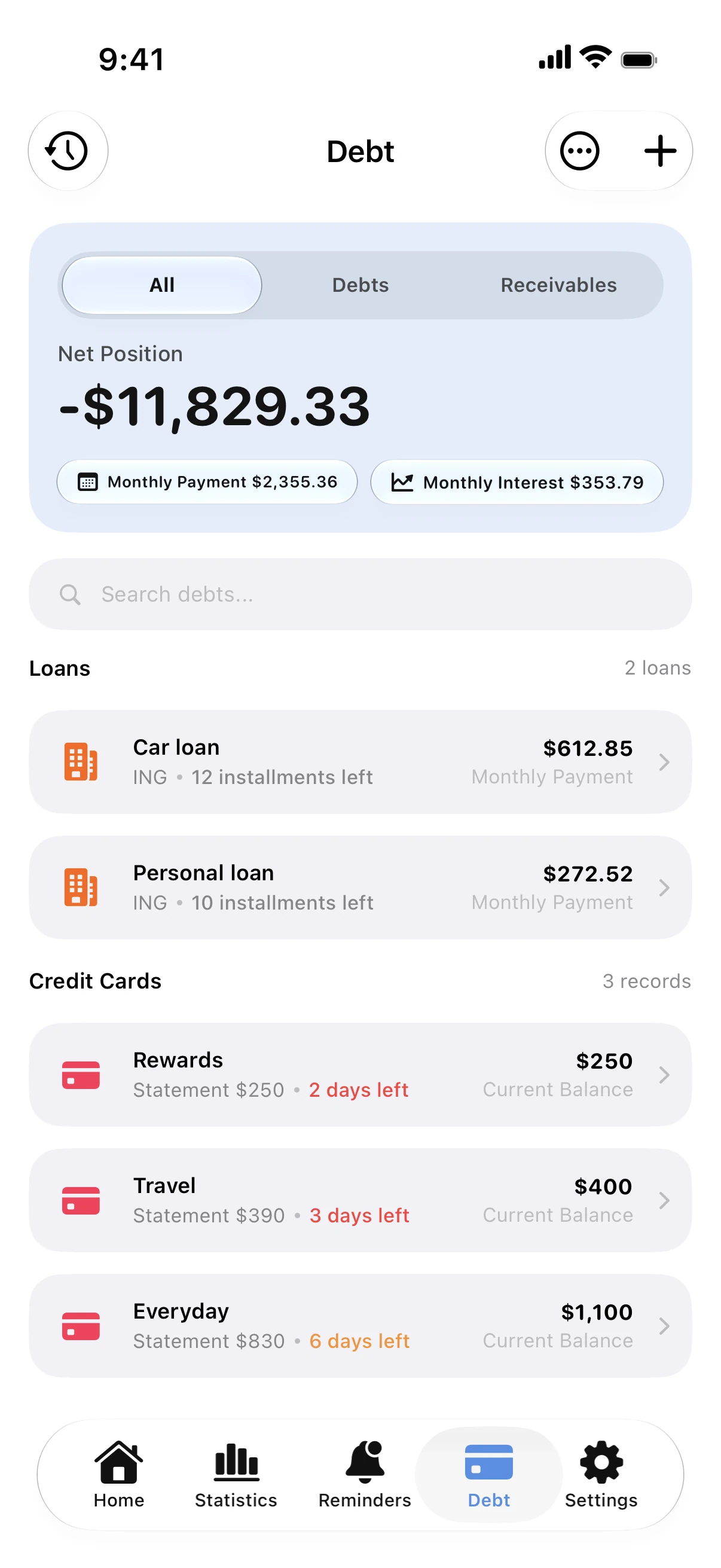
The whole schedule
Every installment with its interest and principal, so you see what the loan really costs.
Payments left and the end date
The number of payments left and the month of the last one.
Reminders before each installment
A notification arrives before every due date, even when the app is closed.
Part of your debt plan
Loans count toward your total debt and your debt-free date.
How to track a loan
- Add the loan with the amount, rate, term and first payment date.
- Check the schedule and the total cost.
- Record payments as you make them.
- Follow your debt-free date.
Why Spendry
- Personal, car, home and student loans in one place.
- No bank login, no data collected.
- A free loan calculator on this site.
Free calculators
Loan calculator
Free loan calculator for car loans, personal loans and mortgages. See the monthly payment, the total interest and the full payment schedule.
Debt payoff calculator
Free debt payoff calculator: compare the snowball and avalanche methods and see the month you'll be debt-free and the interest you'll pay. No sign-up.
Guides
How to track a loan and see what you really pay
Track car loans, personal loans and mortgages: the remaining balance, payments left, interest and the month the loan ends, with a reminder before each payment.
How to find your debt-free date
Your debt-free date is the month your last debt is paid off. Here is how to work it out and how extra payments move it closer.
Questions
Which loans can I track?
Personal, car, home, student and any other installment loan, plus money you owe people.
Does it show how much interest I pay?
Yes. You see the interest in each payment and over the whole loan.
Will it remind me before each payment?
Yes, before every due date, even if you never open the app.
Does it connect to my lender?
No. You add the loan once; Spendry works out the schedule.