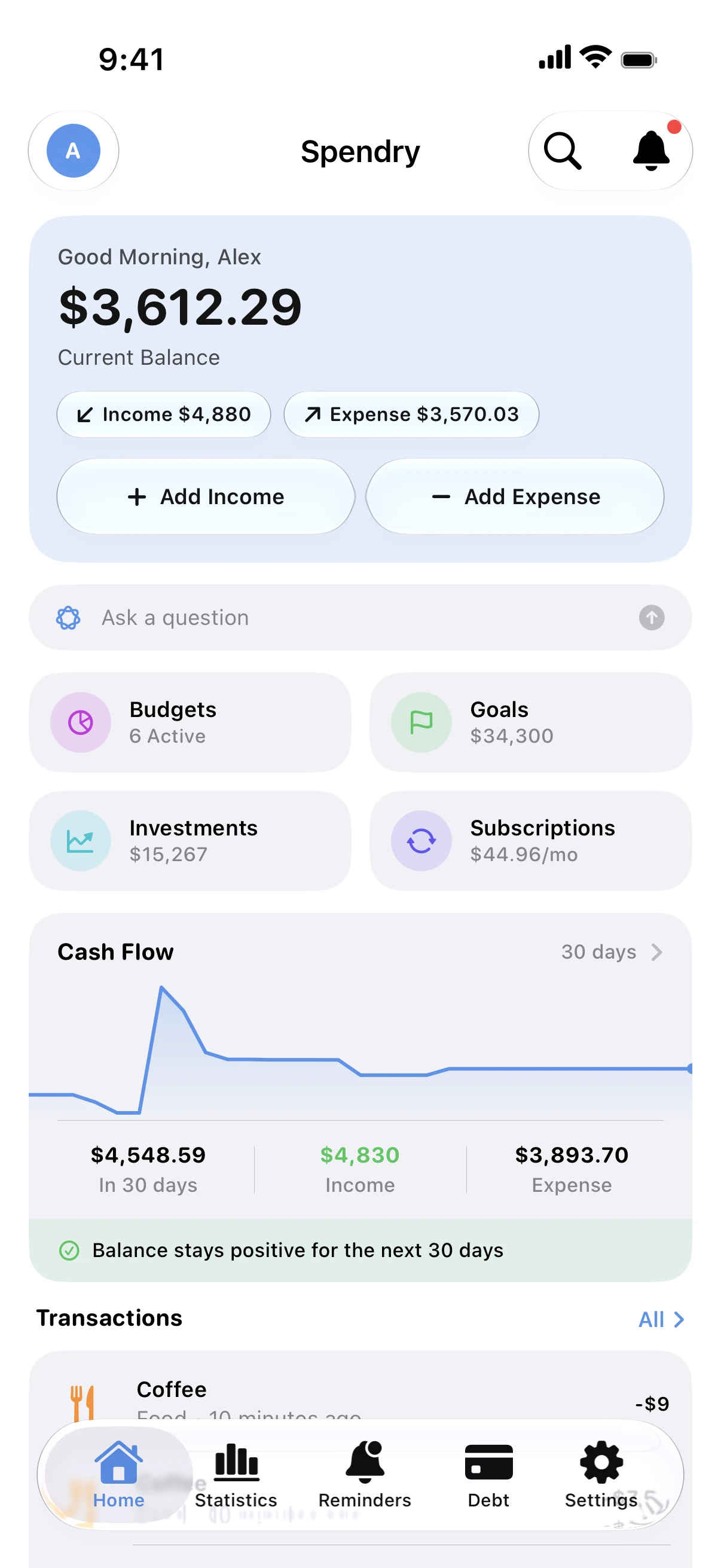
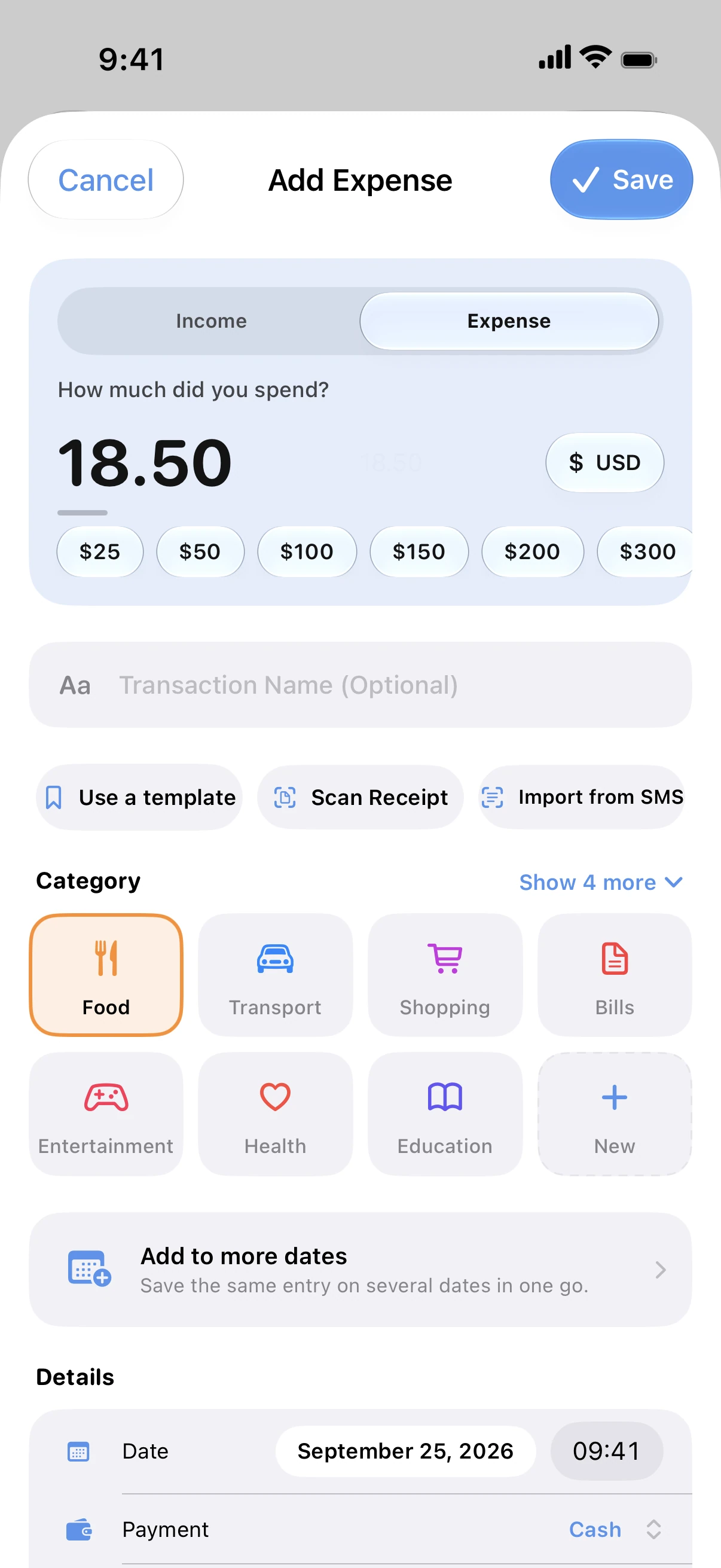
Your budgets stay current without typing, and you add a category only if you want to.
Turn it on
- In Spendry, open Automations and choose the Apple Pay automation.
- Follow the steps to add it in the Shortcuts app.
- Pay with Apple Pay as usual. The purchase appears in Spendry with the store's name.
Tip
Add the Sunday evening automation too, for a short report of your week's spending.
Questions
Does this give Spendry access to my bank?
No. The automation passes only the purchase details your iPhone already shows, such as the amount and the store. There is no bank login.
Can I change the category later?
Yes. Edit the expense in Spendry at any time.