A clear target
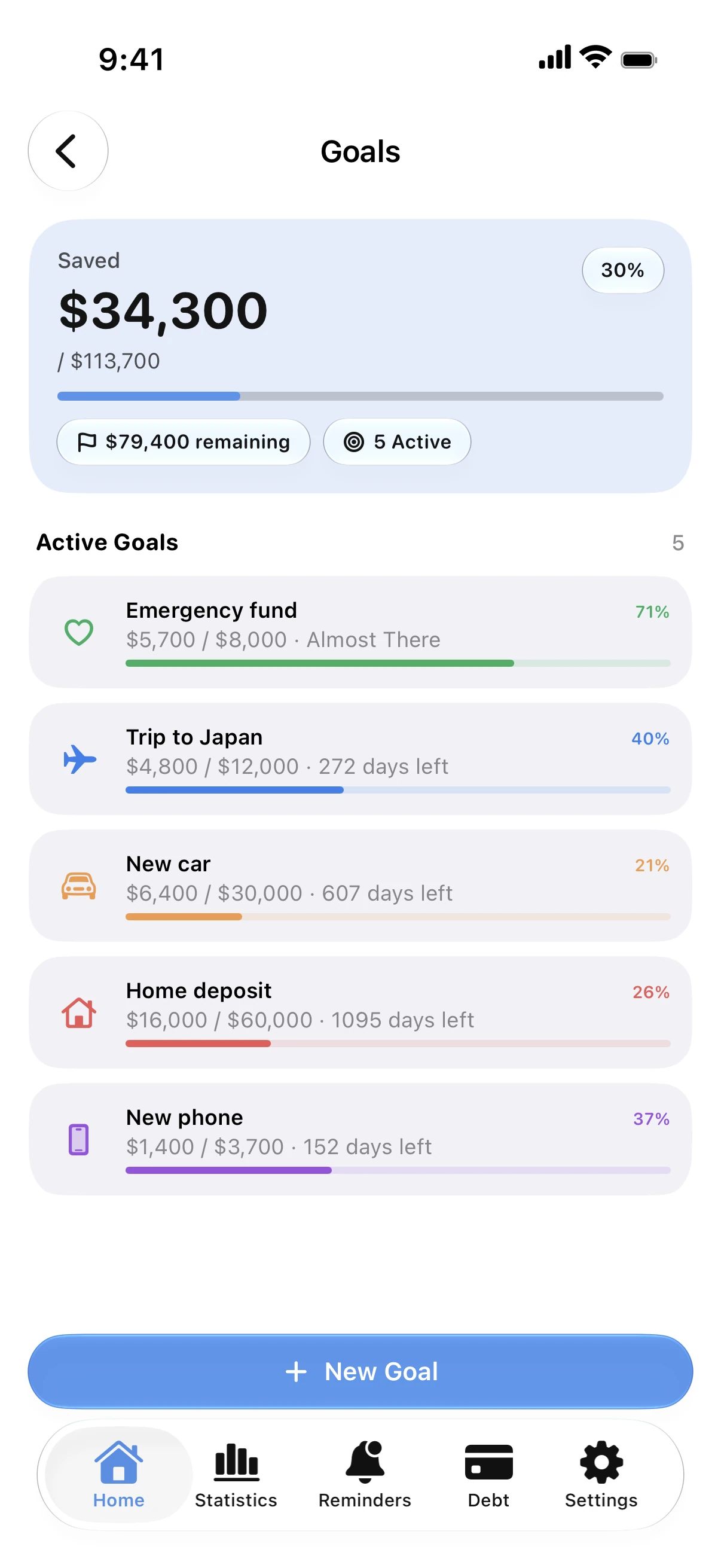
Each goal has an amount and a progress bar, with what is left to save.
On your Home Screen
A goal widget keeps your progress in sight, so saving stays on your mind.
Save together
Share a goal with your partner or family through iCloud; everyone adds to the same goal from their own iPhone.
Next to your budget
Money you put toward goals is part of your monthly picture, next to your budgets and payments.
How to save for a goal
- Create a goal with the amount you want to reach.
- Add money to it whenever you save.
- Watch the progress in the app or on the widget.
- Share it if you save with someone else.
Why it helps
- Goals sit next to your budgets and debts.
- Shared goals sync through iCloud.
- A free savings goal calculator on this site.
Free calculators
Savings goal calculator
Free savings goal calculator. Enter your goal, what you already have and your deadline to see how much to save each month, with optional interest.
Monthly budget calculator
Free monthly budget calculator: split your take-home pay into needs, wants, and savings or debt payments in seconds. No sign-up.
Guides
How to save for a goal and reach it
Set a target and a date, save a fixed amount each month and track your progress. A simple method for a trip, a car or an emergency fund.
How to share a budget with your partner
Share a budget or a savings goal with your partner or family through iCloud. Everyone adds expenses and sees the same numbers, with no shared login.
Questions
Can I have more than one goal?
Yes. Create a goal for each thing you are saving for and add to each separately.
Can I share a goal with my partner?
Yes. Shared goals sync through iCloud, and each person uses their own Apple Account.
Is there a widget for goals?
Yes. A goal widget shows your progress on the Home Screen.
How much should I save each month?
Divide what is left by the months until your date. The free savings goal calculator on this site does it, with interest if you have it.