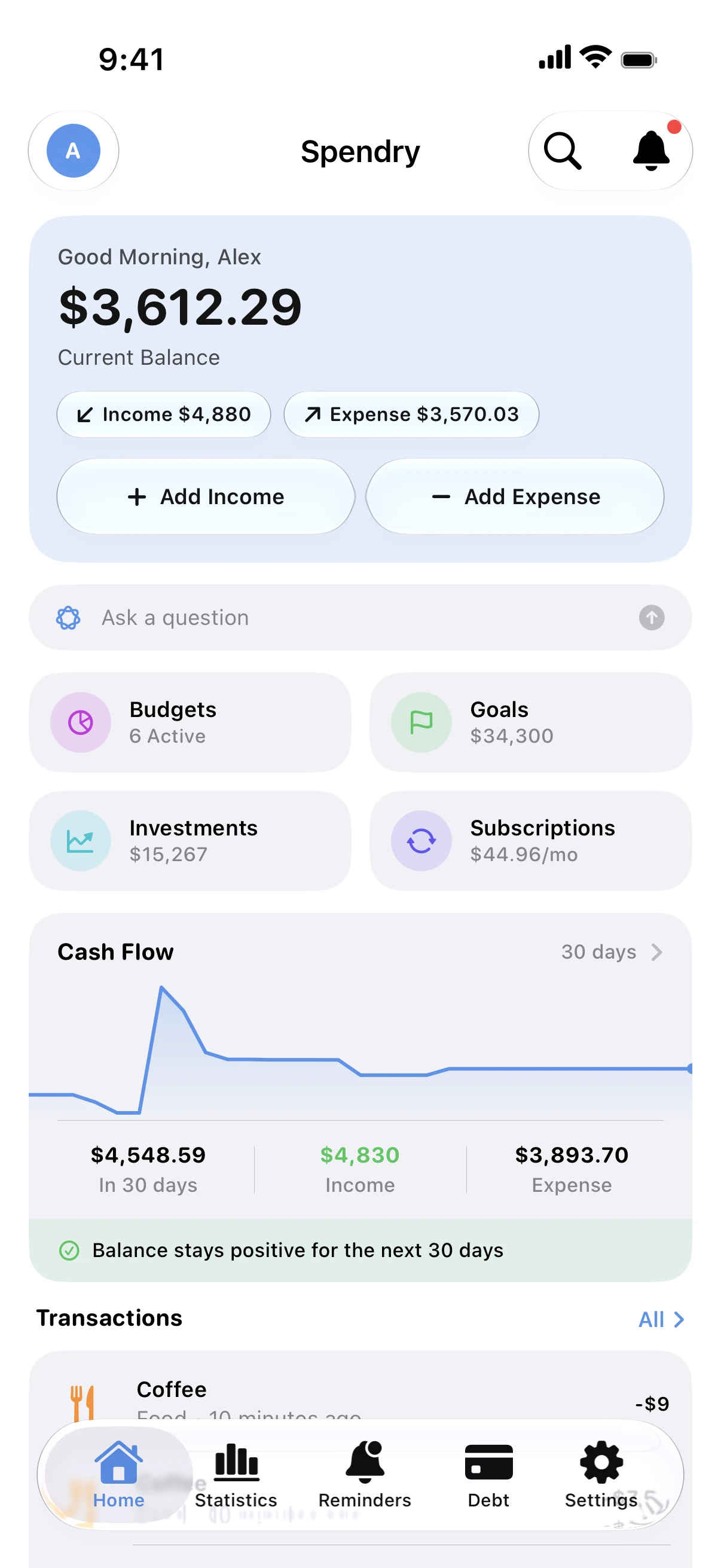
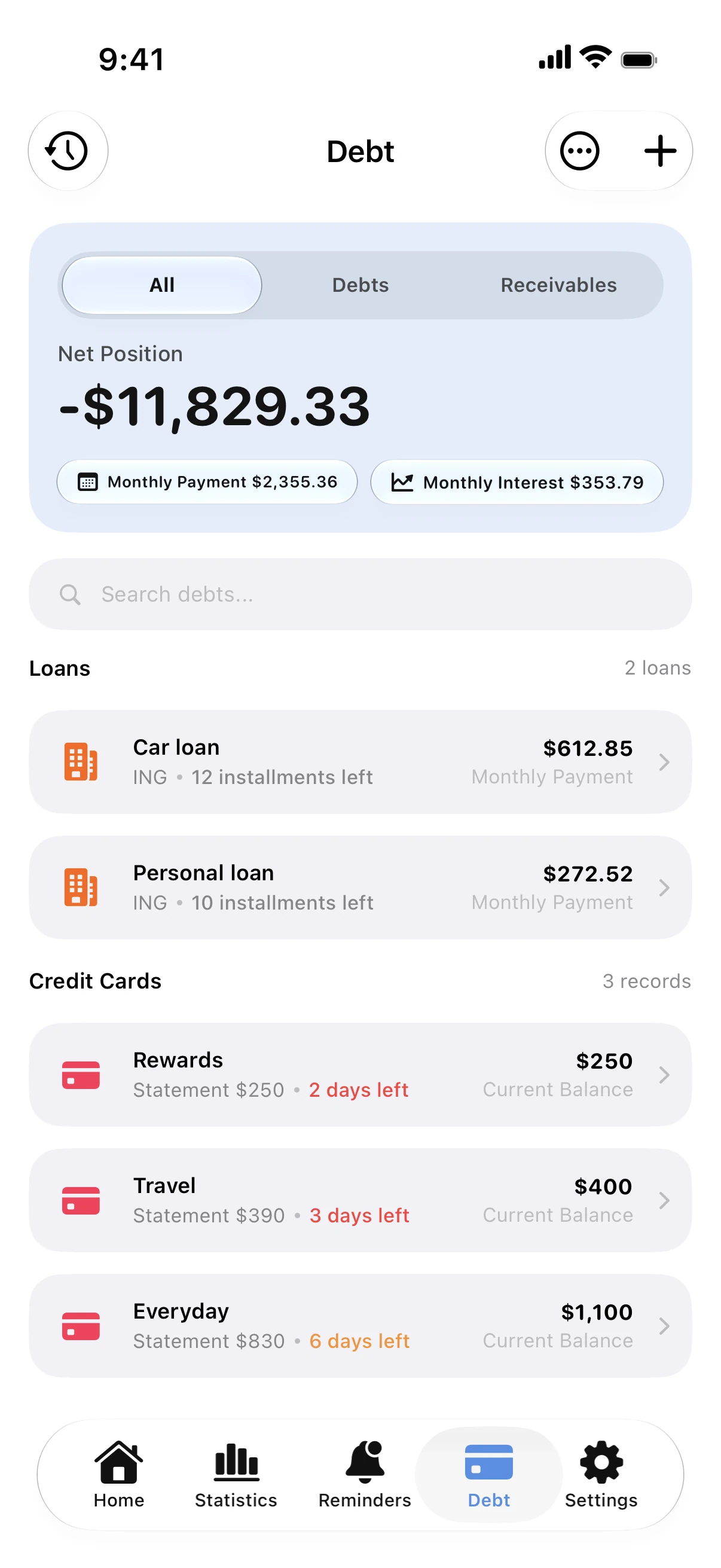
Tracking each plan with its remaining payments shows the real monthly total and the month you will be done.
Track installments in Spendry
- Add an installment with the total amount, the number of payments and the first payment date.
- See every plan with what is paid, what is left and the next payment date.
- Get a reminder before each payment, and see installments in your debt-free date next to your cards and loans.
Tip
Before starting a new installment plan, add up the plans you already pay. If the total is more than you can cover in a tight month, wait.
Questions
Do installments count toward my debt-free date?
Yes. Spendry includes them with your cards and loans, so the date shows the full picture.
Can I track interest-free installments?
Yes. Leave the rate at zero and Spendry simply counts down the payments.